
Table of Contents
- Why Real-Time Server Monitoring is Non-Negotiable for Small Business Continuity
- How Real-Time Server Monitoring Works in Practice
- Choosing a Real-Time Monitoring Solution: What Works for Small Businesses
- Building a Business Continuity Plan Around Real-Time Monitoring
- Real-Time Monitoring in Regulated Industries
- Conclusion
Server downtime is not an inconvenienceit's a financial emergency. For small businesses, unplanned server outages cost between $8,000 and $25,000 per hour, with some organizations losing $100,000 per hour depending on infrastructure complexity and industry sector. When systems fail, customers abandon transactions, employees lose productivity, and your reputation suffers in real-time. The difference between a controlled recovery and a catastrophic failure often comes down to one factor: real-time server monitoring.
Key Takeaways
- 57% of small businesses report downtime costs exceeding $100,000 per hour (ITIC 2025 Global Server Hardware Survey), making real-time monitoring essential for business continuity.
- Proactive monitoring reduces unplanned downtime by 78% compared to reactive break-fix support, directly protecting revenue and customer trust.
- Real-time server monitoring detects CPU spikes, disk failures, memory leaks, and security threats before they cascade into full outages.
- Business Impact of Monitoring: Early detection of server issues prevents cascading failures that can shut down operations for hours and cost thousands per minute.
- Continuous Visibility: Real-time alerts on CPU usage, disk space, memory consumption, and network traffic enable immediate corrective action before customer-facing systems fail.
- Proactive vs. Reactive: Monitoring-first strategies are 2–5 times more cost-effective than waiting for problems to cause downtime.
- Compliance & Security: Continuous monitoring provides audit trails and early threat detection required for regulatory compliance in healthcare, finance, and other regulated industries.
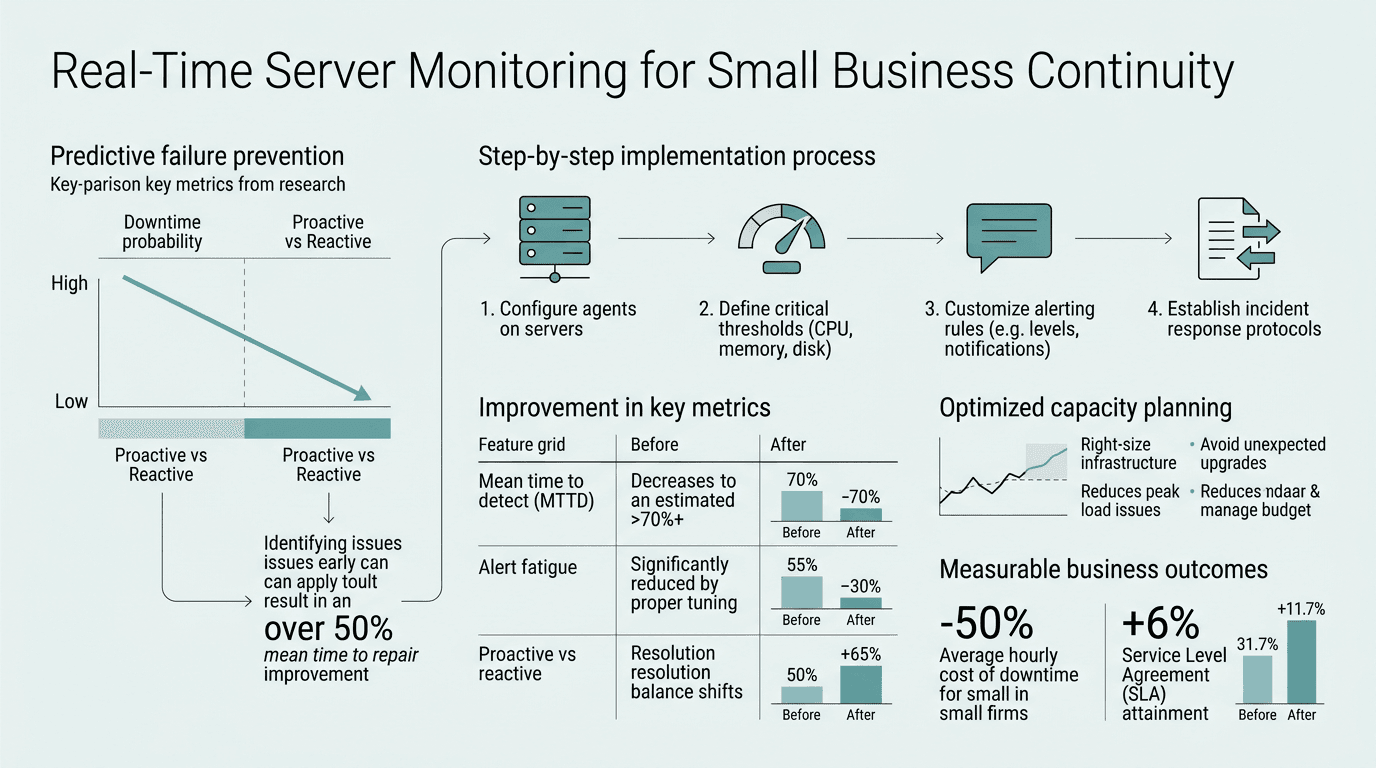
Why Real-Time Server Monitoring is Non-Negotiable for Small Business Continuity
Real-time server monitoring continuously tracks critical infrastructure metricsCPU usage, memory consumption, disk space, network latency, and application uptimeand alerts IT staff the moment an anomaly is detected. 60% of small businesses that lose data access for 6 or more days close within 6 months, making prevention far more valuable than recovery efforts. The stakes go beyond downtime costs; they threaten survival.
"For 41% of enterprises, hourly outage costs can reach $1 million to $5 million. At smaller organizations, new insights in 2025 reveal that downtime costs can often exceed $25,000 an hour."
ITIC (Information Technology Intelligence Consulting), 2025 Global Server Hardware & OS Reliability Survey
Without monitoring, problems remain invisible until customers report slowness or complete failure. By then, the damage is already escalating. A disk that's 90% full will crash. A process consuming 95% of CPU will timeout user requests. A memory leak will exhaust available RAM and freeze the server. Real-time monitoring detects these conditions in the seconds before failure, giving IT teams time to act.
The Cost of Not Monitoring: Hard Numbers
Small businesses lose an average of $137,000 to $427,000 annually from unplanned downtime, assuming just 14 hours of outages per year. That estimate assumes the business isn't hit by ransomware or a hardware failurewhich are far more expensive. For micro-businesses with fewer than 25 employees, the per-minute cost climbs to $1,670 per minute, meaning a two-hour outage costs $200,400 in lost productivity, lost sales, and recovery labor. Managed IT services with proactive monitoring cost a fraction of thattypically $599–$1,499 per month for comprehensive server care and real-time monitoring combined.
Downtime Cascades: Why Early Detection Prevents Catastrophe
Server problems don't fail all at oncethey cascade. A small disk space issue triggers a warning. If ignored, it causes write failures. Write failures corrupt database transactions. Corrupted transactions force data recovery, which can take hours or days. By then, customers have already seen error pages, called support, posted complaints online, and begun looking at competitors.
Real-time monitoring intercepts this cascade at step one. When disk usage hits 85%, an alert fires. A technician logs in remotely, archives old logs, clears temporary files, or provisions additional storageall in under 15 minutes, with zero business impact. That's the power of real-time visibility.
How Real-Time Server Monitoring Works in Practice
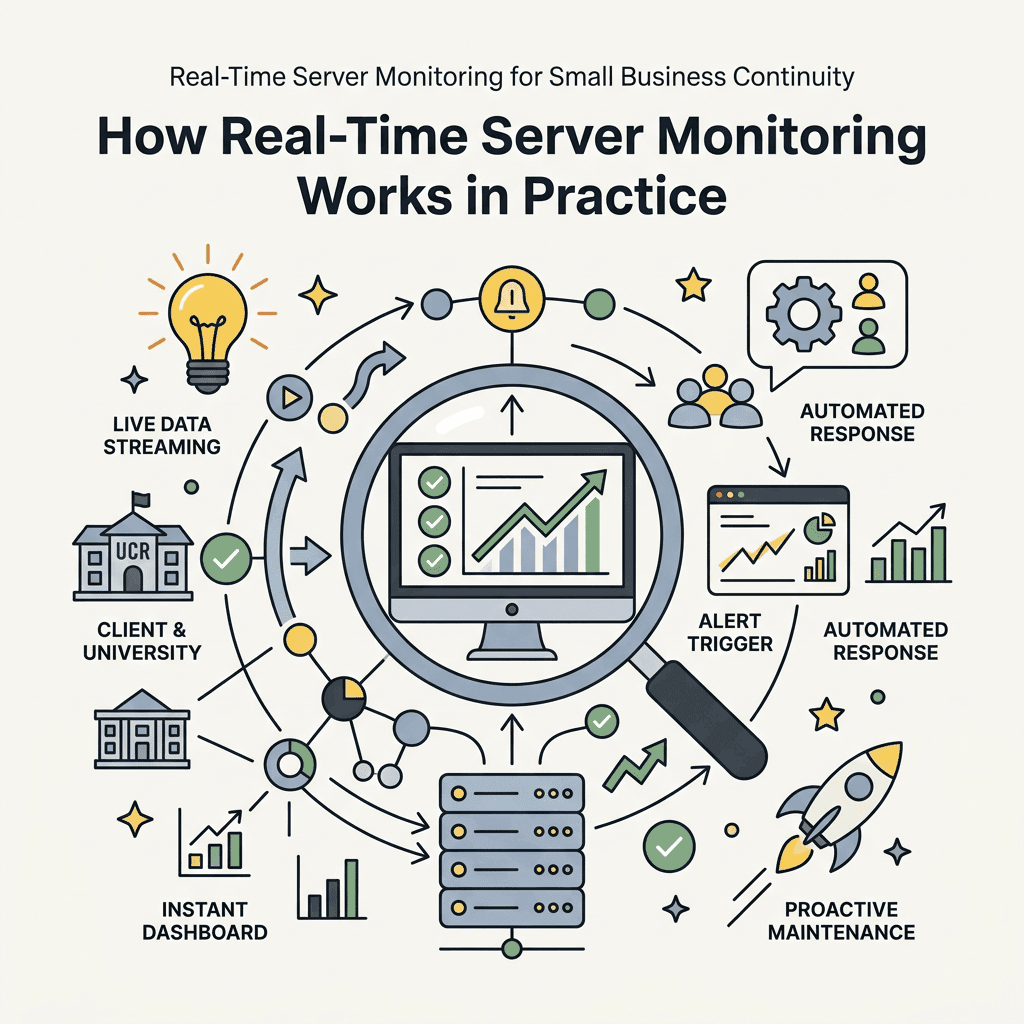
Modern server monitoring operates on a simple principle: continuous data collection, instant threshold-based alerts, and centralized visibility. Every metricdisk I/O, network throughput, process memory usage, service statusflows to a dashboard accessible 24/7. The moment a metric crosses a pre-defined threshold, the monitoring system triggers an alert via email, SMS, Slack, or phone call, depending on severity. Studies from IT Pro Source confirm that companies using proactive monitoring see incident response times drop from hours to minutes.
Core Monitoring Metrics Every Small Business Needs
Effective real-time monitoring tracks a specific set of mission-critical metrics. CPU usage above 85% indicates a process is consuming too many resources and may timeout client requests. Memory consumption above 90% can trigger swap usage, which causes dramatic performance degradation. Disk usage above 90% on a database server risks write failures. Network latency above 100ms degrades application responsiveness. Application response time (uptime of critical services) is the highest-priority metricwhen a web service stops responding, customers notice immediately.
- CPU Usage: Alert threshold typically set to 85–90%. Sustained high CPU indicates runaway processes or inadequate capacity.
- Memory (RAM) Consumption: Alert at 85–90%. Memory exhaustion forces swap usage and causes system slowness or crashes.
- Disk Space: Alert at 85–90% full. Full disks can't write logs, database transactions, or temporary files.
- Network Latency: Alert on latency exceeding 100ms. High latency indicates network congestion or routing issues.
- Service Status: Continuous TCP/HTTP checks. If a web server stops responding, immediate alert is critical.
- Disk I/O Wait: High I/O wait indicates a storage bottleneck. Can degrade database query response times.
- Security & Backup Status: Monitoring confirms antivirus and backup jobs completed successfully. A failed backup is a time bomb.
Alert Response: Closing the Gap Between Detection and Action
A real-time alert is useless if no one responds to it. Effective monitoring systems route alerts based on severity and time of day. Critical alerts (service down, disk full) immediately page on-call staff via SMS and phone. Warnings (CPU trending high) go to email and Slack for next-business-day review. Without a clear escalation policy, alerts pile up unread and the system becomes noise.
"Proactive maintenance reduces downtime by 78% compared to reactive approaches."
HDI (Help Desk Institute), 2025 Industry Report
TechWorks manages alert response through 24/7 monitoring and a dedicated support team, ensuring no alert goes unread. When a threshold is exceeded, a technician is notified within seconds, not hours or days. For small businesses without a 24/7 IT staff, this difference is the difference between a contained incident and a crisis.
Choosing a Real-Time Monitoring Solution: What Works for Small Businesses
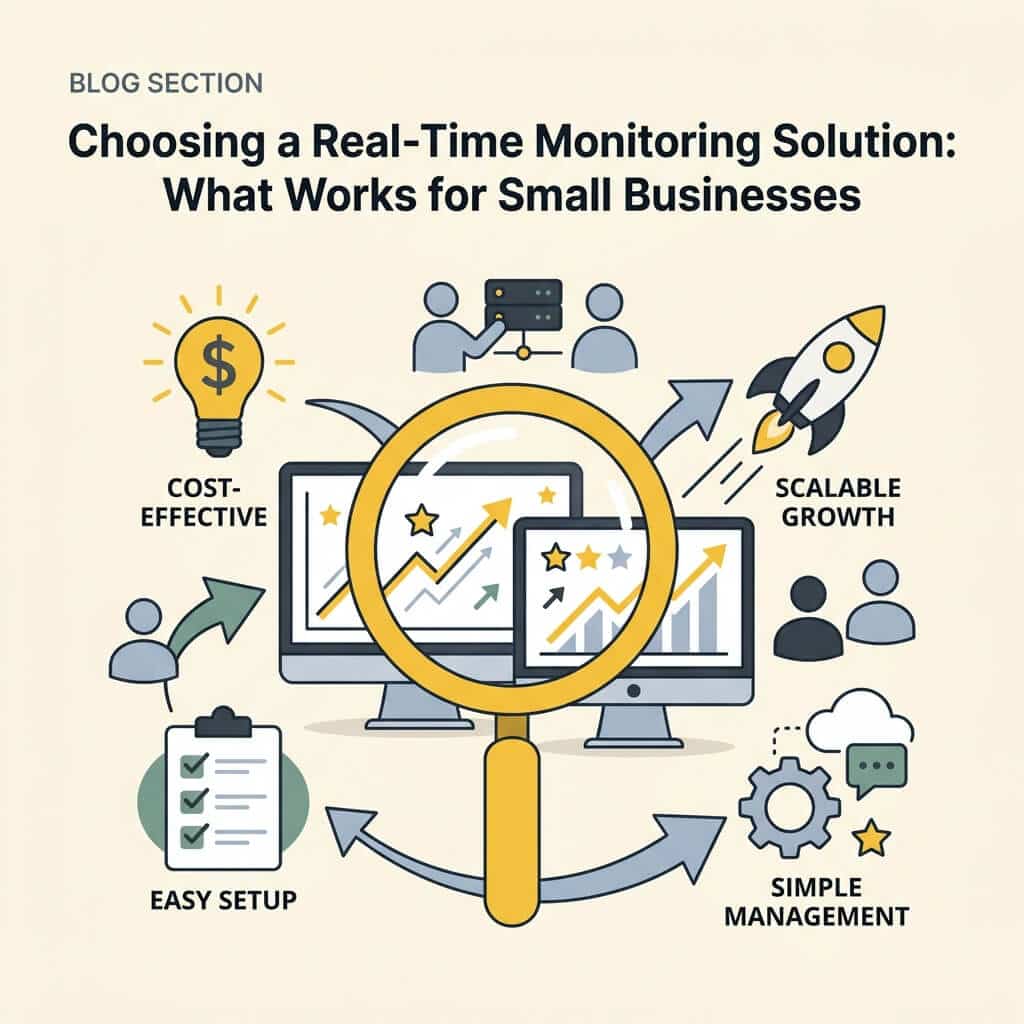
The monitoring tool landscape includes enterprise platforms (Datadog, LogicMonitor, New Relic), mid-market solutions (ManageEngine OpManager, Site24x7), and budget-friendly options (Paessler PRTG, Hyperping). For small businesses, the right choice balances cost, ease of setup, and real-time alert responsiveness without requiring a dedicated monitoring specialist to maintain. G2 reviews from June 2026 show that most small businesses choose between unified platforms and managed IT services.
Comparing Monitoring Approaches: Standalone vs. Managed Services
Small businesses typically face two routes: deploy a standalone monitoring tool and manage it in-house, or partner with a managed IT provider that includes monitoring as part of their service. Standalone tools like PRTG or Hyperping offer low upfront costs ($24–$2,000 per year) but require someone on staff to configure thresholds, interpret dashboards, and respond to alerts. Managed IT providers bundle monitoring into a monthly service fee ($599–$2,000/month) and include 24/7 response from trained technicians.
| Approach | Setup Complexity | Monthly Cost | 24/7 Response | Best For |
|---|---|---|---|---|
| Standalone Tool (PRTG, Hyperping) | Moderate to High | $0–$200 | No (alerts only) | Companies with IT staff who can manage tools |
| Managed IT Service (TechWorks) | Low (provider handles setup) | $599–$2,000 | Yes (24/7 technician response) | Small businesses without dedicated IT staff |
| Enterprise Platform (Datadog, LogicMonitor) | High | $1,000–$5,000+ | Depends on support tier | Large companies with complex infrastructure |
TechWorks's Server Care & Recovery service starts at $599/month and includes real-time monitoring of all servers, automatic alerts, and proactive maintenance triggered by monitoring insights. The service covers server backups, security patching, performance optimization, and 24/7 help desk support. Unlike a standalone tool, TechWorks responds to alerts immediatelytechnicians don't log in to review dashboards; they receive notifications in real-time and take action before your business is impacted.
Key Evaluation Criteria for Your Monitoring Solution
When evaluating a monitoring tool or service, prioritize these factors: real-time alert latency (how fast do you get notified after a threshold is exceeded?), ease of dashboard setup (can you understand system health at a glance?), multi-channel alerting (email, SMS, Slack, phone), historical data retention (can you review past incidents?), and integration with your infrastructure (does it support Linux, Windows, virtual machines, cloud instances, databases, and applications you actually use?).
Cost is a factor but should never be the deciding one. A $24/month monitoring tool that generates false alarms or requires 5 hours per week of IT staff time to manage ends up costing more than a $700/month managed service that requires zero administrative effort and includes expert response.
Building a Business Continuity Plan Around Real-Time Monitoring
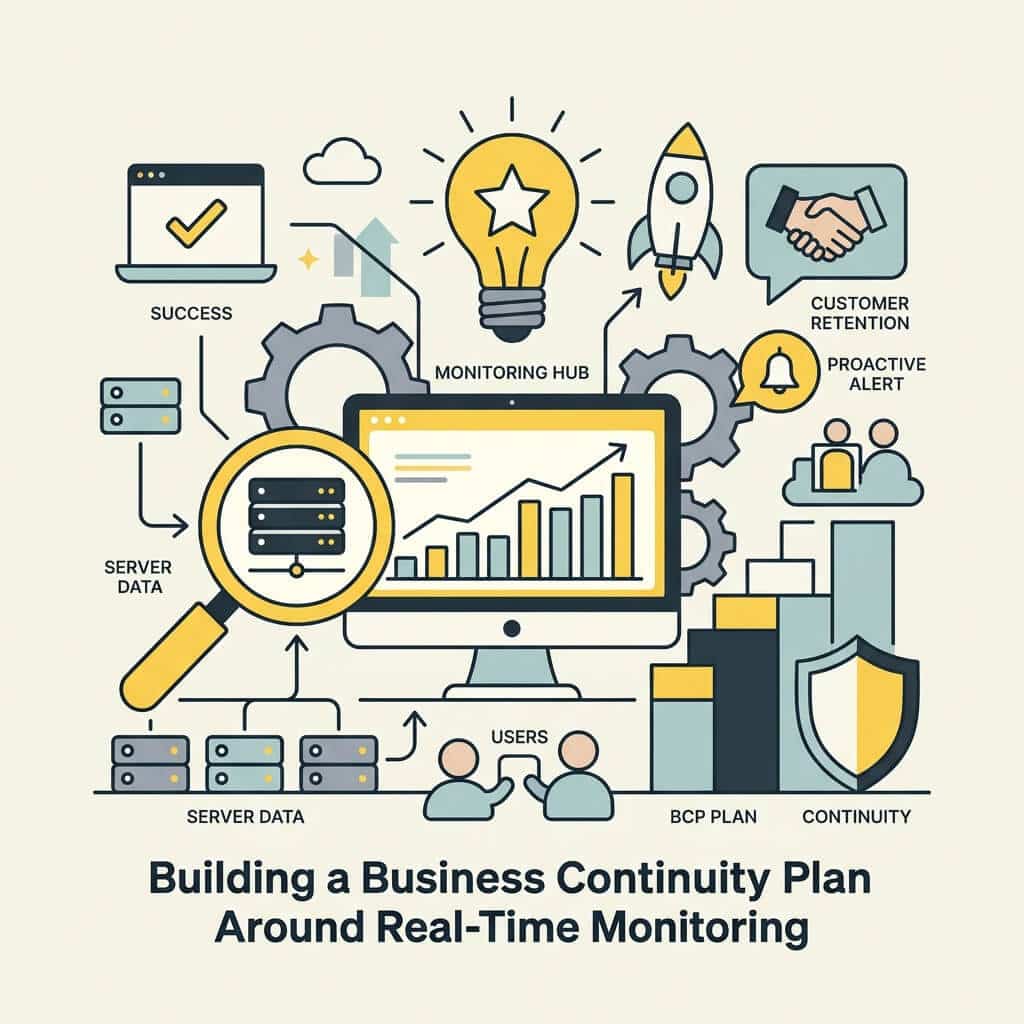
Monitoring is the foundation of business continuity, but it's not sufficient alone. Real-time monitoring detects problems; a continuity plan defines how to respond. The best small businesses pair monitoring with disaster recovery procedures, regular backups, failover configurations, and documented runbooks for common failure scenarios.
Monitoring + Backup + Redundancy = True Continuity
A three-layer continuity strategy maximizes business resilience. Layer 1: Real-time monitoring detects failures the moment they occur. Layer 2: Automated backups ensure data can be recovered if hardware fails. Layer 3: Redundancy and failover automatically switch to a secondary system if the primary fails, minimizing downtime from hours to seconds.
For example, a small e-commerce business running a single web server has zero redundancy. If that server fails, the store is down until the server is repairedpotentially 4–8 hours. Real-time monitoring will alert the business immediately, but the business still goes offline. Add automated backups, and the business can recover data; recovery time drops to 1–2 hours. Add a secondary server and a load balancer, and the business can failover in secondscustomers experience no downtime at all. Real-time monitoring across both servers ensures the failover works as designed.
TechWorks's Business Data Backup Solutions automatically backup critical servers and databases every hour, with redundant offsite storage. Combined with real-time monitoring, if a backup job fails, an alert is generated immediately. Failed backups are a silent killera server fails, management assumes backups are good, recovery begins only to find backups are months old. TechWorks detects backup failures in real-time.
Setting Up Automated Runbooks and Escalation
Monitoring is most effective when paired with automated responses. For example, if disk usage exceeds 90%, a runbook can automatically delete old log files, freeing space without human intervention. If a web service becomes unresponsive, a runbook can automatically restart the service. If a restart fails, an escalation rule alerts a technician.
Escalation rules define response urgency. Service down = page a technician immediately. High CPU = send an email for next-business-day review. Disk warning = log for trend analysis. Without escalation rules, small teams are overwhelmed by alerts and miss critical ones.
Real-Time Monitoring in Regulated Industries
Regulated businesseshealthcare, finance, law firmshave additional requirements. HIPAA, PCI-DSS, SOC 2, and state privacy laws often mandate continuous monitoring and documented evidence of security controls. Real-time monitoring provides both the technical control (detecting intrusions, failed patches, unauthorized access) and the audit trail (logs of who accessed what, when, and from where).
"Downtime costs an organization an average of $9,000 per minute or $540,000 per hour."
Oxford Economics, 2024 Study
TechWorks's Cyber Security & Anti-Virus service includes real-time threat monitoring, intrusion detection, and detailed audit logging to meet regulatory requirements. For healthcare providers and legal firms, this service is non-negotiablemonitoring demonstrating compliance is often the difference between passing and failing an audit.
Conclusion
Real-time server monitoring is the single most effective investment a small business can make to ensure continuity. Proactive monitoring reduces unplanned downtime by 78% compared to waiting for problems to surface. The cost of monitoring$599–$2,000 per monthis trivial compared to the cost of downtime: $8,000–$25,000 per hour for most small businesses.
The choice is straightforward: implement real-time monitoring now and prevent catastrophic failures, or skip monitoring and accept a $137,000–$427,000 annual cost from unplanned outages. For small businesses without dedicated IT staff, a managed IT provider like TechWorks handles monitoring deployment, alert response, and remediationremoving the burden from internal resources while guaranteeing 24/7 coverage.
If downtime is costing you tens of thousands of dollars per hour, and 60% of small businesses that lose data for 6+ days close within 6 months, real-time monitoring isn't a luxuryit's a survival tool. Get started with TechWorks today and transform your IT infrastructure from reactive to proactive.