
Table of Contents
- What Is IT Infrastructure Management?
- The Building Blocks of Your IT Infrastructure
- Why IT Infrastructure Management Matters as You Grow
- Signs Your IT Infrastructure Is Holding Back Growth
- Best Practices for Managing IT Infrastructure as You Scale
- Cloud, On-Premises, or Hybrid: Choosing the Right Model
- In-House vs. Outsourced IT Infrastructure Management
- A Simple Framework for Planning IT Infrastructure Growth
- Tools That Support IT Infrastructure Management
- FAQs
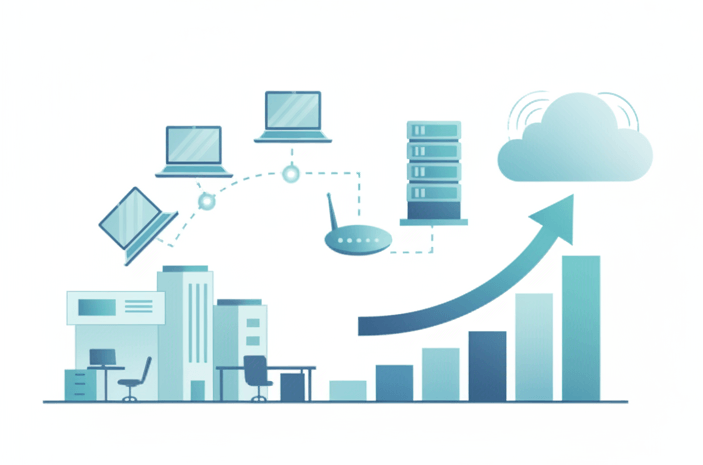
Every growing business eventually hits the same wall: the servers, network, and software that worked fine at ten employees start buckling at fifty. That's where IT infrastructure management comes in. It's the ongoing work of planning, monitoring, and maintaining the hardware, software, and network systems that keep your business running, and it becomes more important, not less, as you scale.
Get it right and your team barely notices IT at all. Get it wrong and you're firefighting outages, security gaps, and slow systems while trying to grow. This guide breaks down what IT infrastructure management actually covers, the warning signs that your setup hasn't kept pace with your business, and a practical framework for planning your next stage of growth.
Key Takeaways
- IT infrastructure management covers the hardware, software, network, and storage systems your business depends on, plus the ongoing work of monitoring, securing, and maintaining them.
- Frequent slowdowns, undocumented backups, and slow employee onboarding are signs your infrastructure hasn't kept pace with your growth.
- A structured plan built around assessing, forecasting, and budgeting beats reacting to problems as they surface.
- Outsourcing infrastructure management to a managed IT provider is usually more cost-effective than building an in-house team until a business reaches significant scale.
- Cloud and hybrid infrastructure models give growing businesses more flexibility to scale without large upfront hardware costs.
What Is IT Infrastructure Management?
IT infrastructure management is the administration of the physical and virtual systems that support your business's technology, plus the ongoing work of keeping those systems reliable, secure, and able to handle demand. It covers everything from the servers in your office, or the cloud instances that replaced them, to the software running on every employee's laptop, the network connecting it all, and the data storage and backup systems underneath.
The goal isn't just keeping the lights on. Well-managed infrastructure means your team can open a file, join a call, or process a transaction without thinking twice about the technology behind it. When infrastructure management falls behind, that reliability breaks down first, usually right when the business can least afford it: during a busy season, a new office opening, or a major client onboarding.
The Building Blocks of Your IT Infrastructure
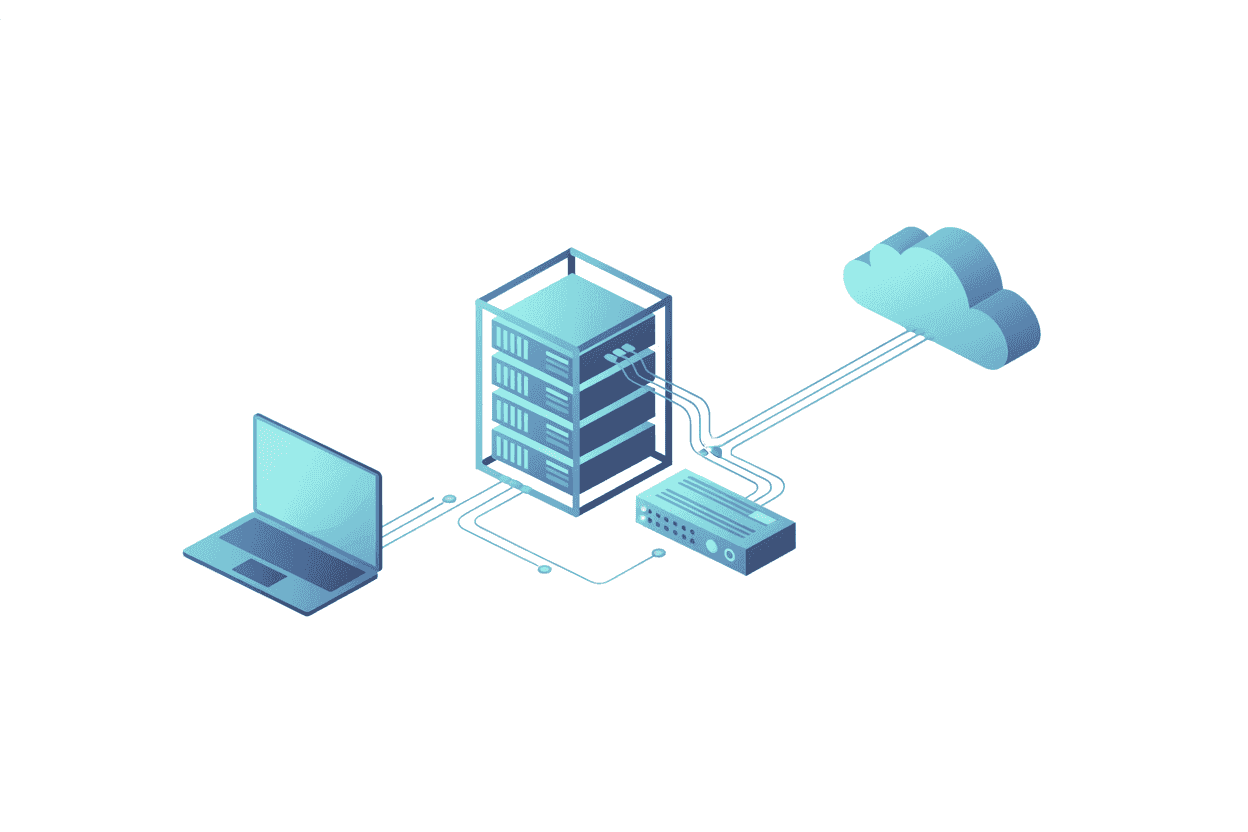
Most IT infrastructure breaks down into four connected pieces:
- Hardware: servers, workstations, networking equipment, and any on-site data storage.
- Software: operating systems, line-of-business applications, and the everyday tools employees rely on.
- Network: routers, switches, firewalls, and the wired, wireless, or VPN connections that tie everything together.
- Data and storage: where your files, databases, and backups live, whether on a local server, in the cloud, or both.
A growing business typically shifts the balance between these over time. Early on, a single physical server might handle everything. As headcount and data grow, that mix usually shifts toward cloud services and managed network equipment that can scale without a full hardware overhaul every time you add a location or a dozen employees.
Why IT Infrastructure Management Matters as You Grow
The stakes of infrastructure management rise with company size, not fall. Consider what changes as a business grows from a handful of employees to fifty or more.
Uptime becomes non-negotiable. A slow network or a crashed server that costs an hour of downtime for five people is an inconvenience. The same event across fifty people, or during a product launch, is a measurable financial loss.
Security exposure grows with headcount. More employees, more devices, and more remote logins mean more potential entry points for a phishing attempt or a misconfigured account.
Cost efficiency starts to matter more. At a small scale, overpaying for underused software licenses or an oversized server barely registers. At fifty employees, waste like that adds up to a real budget problem.
Compliance requirements often kick in, too. Businesses that handle client financial records, health information, or case files frequently cross into regulatory territory, such as HIPAA rules or state data breach notification laws, that a scrappy early setup was never built to handle.
A twenty-person accounting firm is a common example. At that size, a single aging server handling file storage, backups, and remote access is often still running fine, until tax season hits, staff doubles temporarily with contractors, and the same server that was adequate in July buckles under the load in March. The infrastructure didn't fail all at once. It was simply never planned past the size the business was when it was set up.
Signs Your IT Infrastructure Is Holding Back Growth
Most businesses don't proactively decide to overhaul their infrastructure. They react to it, usually after one of these signs has been ignored for months:
- Employees regularly complain about slow logins, laggy applications, or dropped video calls.
- Nobody can say with confidence when your systems were last backed up, or whether that backup actually restores.
- Adding a new employee takes days instead of hours because there's no standard setup process.
- Your team keeps troubleshooting the same recurring issue every few weeks instead of fixing the root cause.
- You've outgrown your current internet connection, server capacity, or software licenses, and workarounds have become normal.
- Nobody in the business can say for certain what security software is installed and up to date across every device.
Any one of these is a nuisance on its own. Three or more at once usually means your infrastructure was built for a smaller business than the one you're now running.
The short video below walks through practical strategies for scaling infrastructure as a business grows, and it's a good complement to the planning framework later in this guide.
Best Practices for Managing IT Infrastructure as You Scale
Monitor proactively, not reactively
Set up continuous monitoring for server health, network performance, and application uptime so problems surface before employees notice them. A ten-minute alert response beats a two-hour "why is everything down" scramble every time.
Standardize and document
Use consistent hardware specs, software versions, and security settings across similar roles. Standardization makes troubleshooting faster and onboarding far less painful, and it's only useful if it's backed by documentation that a new hire, or a new IT provider, can actually follow.
Automate routine maintenance
Patch management, software updates, and backups should run on a schedule, not depend on someone remembering to do them. Automation also cuts down on the human error that causes a large share of preventable outages.
Plan for disaster recovery, not just backup
A backup that nobody has tested is a hope, not a plan. Build a disaster recovery plan that defines how quickly each system needs to come back online (your recovery time objective) and how much data loss is acceptable (your recovery point objective), then test it at least once a year. Our guide to backup and disaster recovery solutions covers this in more depth.
Build in security at every layer
Access controls, encryption, and regular vulnerability checks need to apply to every device and account, not just the server room. As headcount grows, so does the number of ways in for an attacker, and remote and hybrid work has pushed that exposure well past the office network. A laptop logging in from a coffee shop needs the same protection as a desktop sitting next to the server rack.
Review vendor and license agreements regularly
Software licenses, warranty coverage, and vendor contracts pile up quietly as a business grows, and it's common to keep paying for seats or services nobody uses anymore. An annual review of what's actually in use against what's being paid for is one of the simplest ways to recover budget without cutting anything that matters.
Cloud, On-Premises, or Hybrid: Choosing the Right Model
One of the biggest infrastructure decisions a growing business makes is where its systems actually live. There's no universally correct answer, but each model fits a different stage and set of constraints.
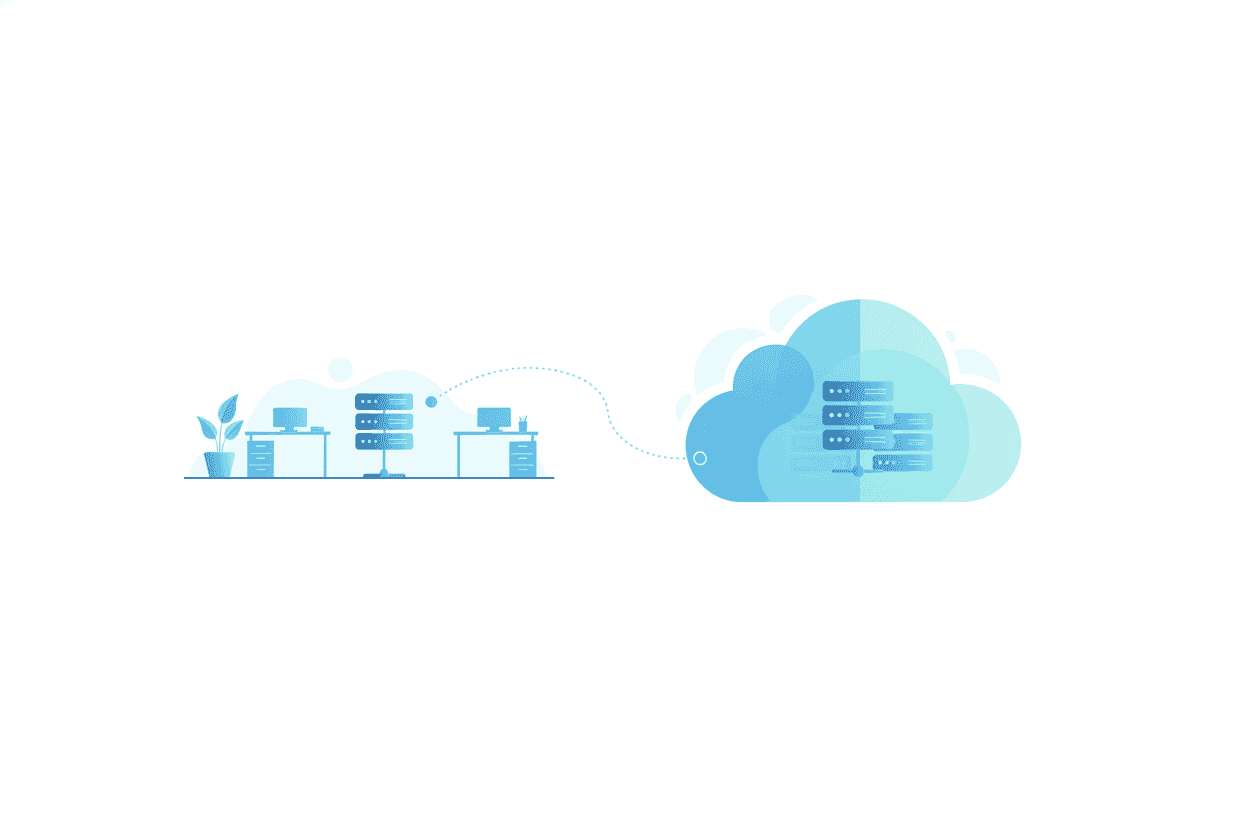
Cloud infrastructure shifts servers, storage, and often software into a provider's data centers, accessed over the internet. It removes the upfront cost of buying hardware and lets a business add capacity in minutes rather than weeks, which suits companies adding staff or locations quickly. The tradeoff is an ongoing subscription cost and a dependence on internet connectivity that on-premises systems don't share.
On-premises infrastructure keeps servers and storage physically on-site, under direct control. It can make sense when a business has predictable, stable capacity needs, handles data with strict residency or compliance requirements, or already owns hardware with useful life left. The tradeoff is that scaling up means buying, installing, and maintaining more hardware, which takes longer and costs more upfront than adding a cloud subscription tier.
Hybrid infrastructure combines both, often keeping sensitive or latency-sensitive systems on-site while running everything else, such as email, collaboration tools, and overflow storage, in the cloud. Most growing businesses land somewhere on this spectrum rather than at either extreme, and the right mix usually shifts as the business scales.
In-House vs. Outsourced IT Infrastructure Management
Growing businesses eventually face a staffing decision: build an internal IT team or bring in a managed IT provider.
Whichever route you take, the work itself doesn't change much. Someone, whether an internal hire or a provider's team, needs to manage vendor relationships, keep hardware and software inventories current, monitor systems for problems, enforce security policies, and plan capacity ahead of growth. The question isn't whether that role exists. It's whether you staff it yourself or contract it out.
An in-house hire tends to make sense once a business is large enough to keep one or more IT staff fully utilized, often upward of 75 to 100 employees, though it varies by how tech-dependent the business is. Below that, a single IT hire is either overloaded covering everything from help desk tickets to network security, or under-utilized and expensive relative to the coverage the business actually needs.
A managed IT services provider gives a growing business a full team, including help desk, network engineers, and security specialists, for a predictable monthly cost, without the overhead of hiring, training, and covering vacations or turnover for an internal hire. It also means infrastructure planning happens continuously, rather than just when something breaks or when someone finally has time.
The math tends to favor outsourcing longer than most owners expect. A single experienced IT hire, fully loaded with salary, benefits, and training, often costs as much as a managed services plan that covers an entire team's worth of coverage across help desk, network, and security. The gap only closes once a business is large enough to keep several IT roles genuinely busy.
Neither option is universally right. The decision comes down to headcount, how technical the work is, and how much infrastructure planning capacity the business needs versus how much it can justify staffing internally.
A Simple Framework for Planning IT Infrastructure Growth
- Assess what you have. Inventory every server, device, license, and vendor contract. Most businesses are surprised by how much lives in this list once someone actually writes it down. Our IT asset management best practices guide walks through this step in detail.
- Forecast where you're headed. Estimate headcount, data volume, and locations 12 to 24 months out. Infrastructure decisions made for today's business are usually outdated within two years of steady growth.
- Choose your model. Decide how much infrastructure should live on-premises, in the cloud, or in a hybrid mix. Cloud services reduce upfront hardware costs and scale faster; on-premises can still make sense for specific compliance or performance needs.
- Budget for the full lifecycle. Include not just purchase cost, but maintenance, licensing renewals, and eventual replacement, typically every three to five years for hardware.
- Build in redundancy before you need it. Backup internet connections, redundant servers, and tested disaster recovery plans cost far less than the downtime they prevent.
Revisit this plan annually, or any time the business crosses a major growth milestone: a new office, a headcount jump, or a new compliance requirement.
Tools That Support IT Infrastructure Management
A handful of tool categories cover most of what infrastructure management requires:
- Monitoring platforms that track server, network, and application health in real time, flagging a failing disk or a spike in network traffic before it becomes an outage.
- Patch and configuration management tools that keep every device on the same, current software baseline, so a security fix rolls out to fifty laptops at once instead of one at a time.
- Backup and disaster recovery software that automates data protection and, just as importantly, verifies that backups actually restore.
- Security tools, including endpoint protection, firewalls, and access management, that apply consistent rules across every device and account rather than relying on individual employees to make good decisions.
Most small businesses don't need to evaluate or manage these tools individually. A managed IT provider typically bundles them into a single service, which is usually more cost-effective than licensing and maintaining each one separately. TechWorks' IT infrastructure project planning service is built around exactly this kind of assessment for growing businesses.
IT infrastructure management isn't a one-time project. It's an ongoing discipline that either scales with your business or quietly becomes the thing holding it back. Growth is the best time to get ahead of it, before the next hire, the next office, or the next busy season forces the issue.
FAQs
What is IT infrastructure management?
IT infrastructure management is the ongoing administration of the hardware, software, network, and data storage systems that support a business's technology, including monitoring, security, and maintenance. The goal is to keep those systems reliable and able to handle current and future demand.
How do I know when my business has outgrown its current IT infrastructure?
Common signs include frequent slow logins or dropped calls, unclear or untested backups, slow onboarding for new employees, recurring technical issues that never get permanently fixed, and maxed-out internet or server capacity. Three or more of these at once usually means it's time to reassess.
Should a growing business manage IT infrastructure in-house or outsource it?
It depends mostly on headcount and how technical the work is. Businesses below roughly 75 to 100 employees often get more value from a managed IT provider, which offers a full team's coverage for a predictable monthly cost. Larger businesses may have enough ongoing IT work to justify hiring internally.
How much should a small business budget for IT infrastructure?
Budgets vary by industry and headcount, but a useful approach is to budget for the full lifecycle of each system, including purchase, licensing, maintenance, and replacement every three to five years, rather than just the upfront cost. Working with a managed IT provider often makes this cost more predictable month to month.
What's the difference between IT infrastructure management and IT support?
IT infrastructure management focuses on planning, maintaining, and optimizing the underlying systems, such as servers, networks, and cloud services, that keep a business running. IT support handles the day-to-day help desk requests and troubleshooting for the people using those systems. The two work together, but infrastructure management is more proactive and strategic.