
Table of Contents
- What Is Business Email Compromise?
- How a Business Email Compromise Attack Works
- Common Types of Business Email Compromise
- Why Business Email Compromise Is So Hard to Catch
- Warning Signs of Business Email Compromise
- How to Protect Your Company From Business Email Compromise
- A Simple Payment Verification Policy You Can Adopt This Week
- What to Do If You Suspect Business Email Compromise
Business email compromise is a scam where criminals use a real or convincingly fake business email account to trick someone into sending money or sensitive data. It works because it needs no malware and no technical breakthrough, just one believable message that lands on a busy afternoon.
The FBI describes it as one of the most financially damaging online crimes, and small and mid-sized businesses are squarely in the target zone because they handle real payments with fewer checks than a large company. This guide explains how business email compromise works, the forms it takes, the warning signs, and the specific controls and habits that stop it, written for owners and office managers rather than security specialists.
Key Takeaways
- Business email compromise (BEC) is fraud carried out over email: impersonating an executive, vendor, or employee, or taking over a real mailbox, to redirect payments or steal data.
- It rarely includes malware or suspicious links, so spam filters and antivirus often miss it. The defenses are payment procedures and account security, not software alone.
- The versions small businesses see most are fake vendor invoices, urgent "CEO" payment requests, and payroll direct-deposit changes.
- Adopt one rule today: any change to payment details gets verified by phone, using a number you already had, never one from the email.
- If money has moved, call your bank within the hour and file a report with the FBI's Internet Crime Complaint Center.
What Is Business Email Compromise?
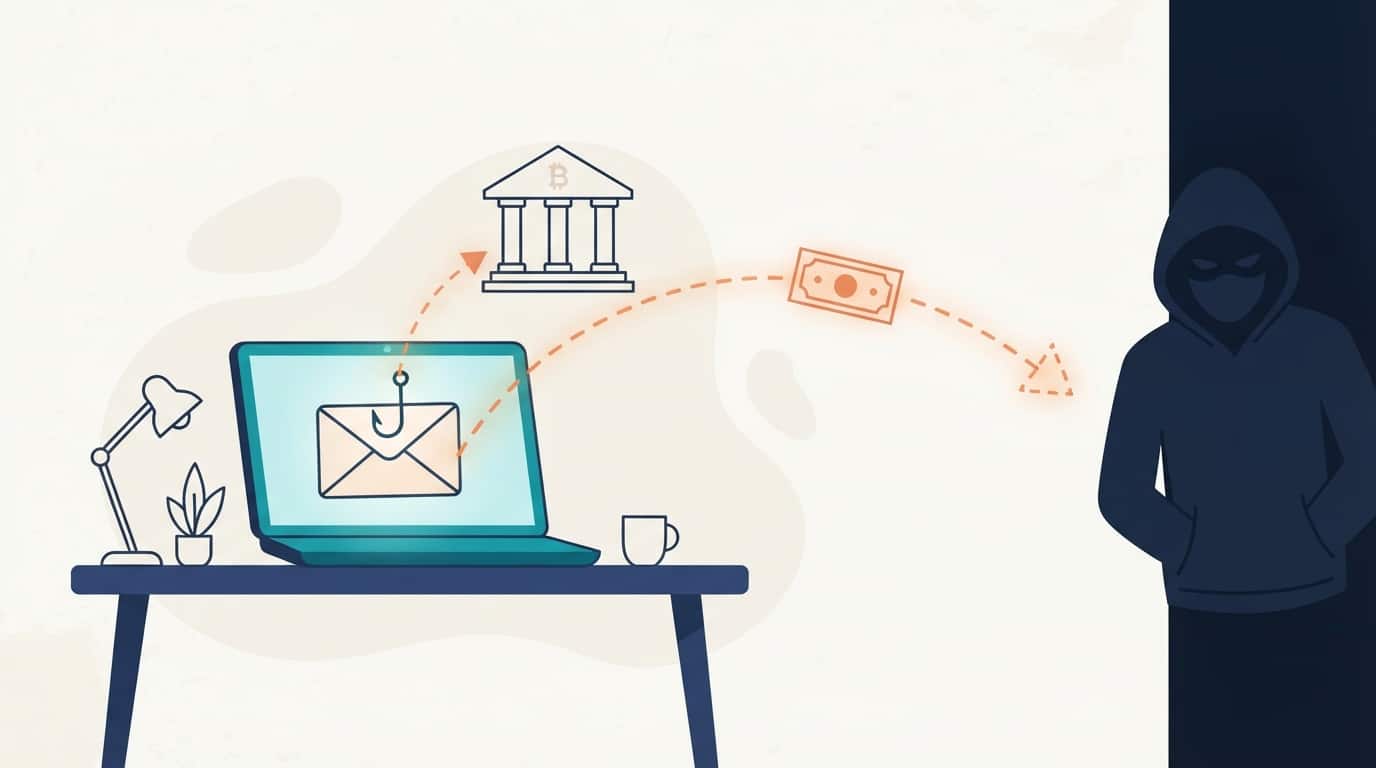
Business email compromise is an email-based fraud in which an attacker impersonates someone the victim trusts, such as an executive, a vendor, a client, or an attorney, to get a payment, a gift card purchase, or confidential information. Sometimes the attacker spoofs the sender with a lookalike address. In the more damaging cases, they break into a real mailbox and write from inside it.
It's different from ordinary phishing. Phishing casts a wide net with links and attachments aimed at stealing a password. Business email compromise is targeted, patient, and usually plain text. There is nothing to click and nothing for a filter to flag, only a reasonable-sounding request from a name you recognize.
"One of the most financially damaging online crimes." (FBI)
The scale backs that up. Microsoft's security guidance, citing FBI data, puts reported business email compromise losses above $50 billion since 2013. You can read the FBI's own overview and reporting advice on its business email compromise page.
How a Business Email Compromise Attack Works
Most business email compromise attacks follow the same five steps, which is useful because each step is a chance to interrupt them:
- Research. The attacker studies your company using your website, social media, press releases, and job postings to learn who approves payments, who your vendors are, and what your leaders' writing style sounds like.
- Access or impersonation. They either register a lookalike domain (one letter off from yours or a vendor's) or steal a real mailbox password through a separate phishing email or a password leaked in an older breach.
- Observation. Inside a real mailbox, they read quietly for days or weeks, learning invoice cycles and approval habits. They often create hidden inbox rules so replies disappear before the real owner sees them.
- The ask. They send the request at the right moment: month-end, a property closing, an executive's travel day. The message copies the tone of a genuine thread and adds urgency.
- Cash out. Funds are moved through several accounts within hours, which is why speed matters so much after the fact.
Common Types of Business Email Compromise
Business email compromise comes in a handful of recurring forms. Knowing them helps your team recognize the pattern even when the details change:
- Executive impersonation. A message that appears to come from the owner or a senior manager asking an assistant or finance clerk to send a wire, or to buy gift cards and send back the serial numbers. The FBI describes this gift card version on its overview page.
- Vendor and invoice fraud. A regular supplier "updates" its bank account or mailing address, and the next invoice goes to the criminal. This is among the most common forms because invoices are routine and often handled quickly.
- Account takeover. The attacker uses a real employee's mailbox, so the message really does come from the right address and slots into an existing conversation.
- Payroll diversion. A message that appears to come from an employee asks HR or payroll to switch their direct deposit to a new account.
- Closing and escrow fraud. Used against real estate, title, and law offices: a buyer or client receives swapped wire instructions for a down payment or settlement, a scenario the FBI also describes.
- Data theft. A "request" from an executive for employee tax forms or client records, which feeds identity theft and later fraud.
Why Business Email Compromise Is So Hard to Catch
Business email compromise slips past defenses that stop most other attacks, for several reasons:
- No malicious payload. With no attachment and no suspicious link, there's little for a filter or antivirus to detect.
- Legitimate accounts. When the attacker is inside a real mailbox, sender checks pass because the sender is real.
- Context awareness. The attacker has read your real threads, so the message references real projects, invoice numbers, and names.
- Authority and urgency. A request from the boss that "can't wait" pressures people to skip steps they'd normally follow.
- Low volume. One careful message to one person doesn't trigger the mass-mailing patterns that security tools watch for.
Warning Signs of Business Email Compromise
No single sign proves fraud, but several together should stop a payment until someone verifies it by phone:
- A change to bank details, wire instructions, or payroll deposit, especially when it comes with a reason to hurry.
- A request to keep the matter quiet, skip the usual approval, or avoid calling.
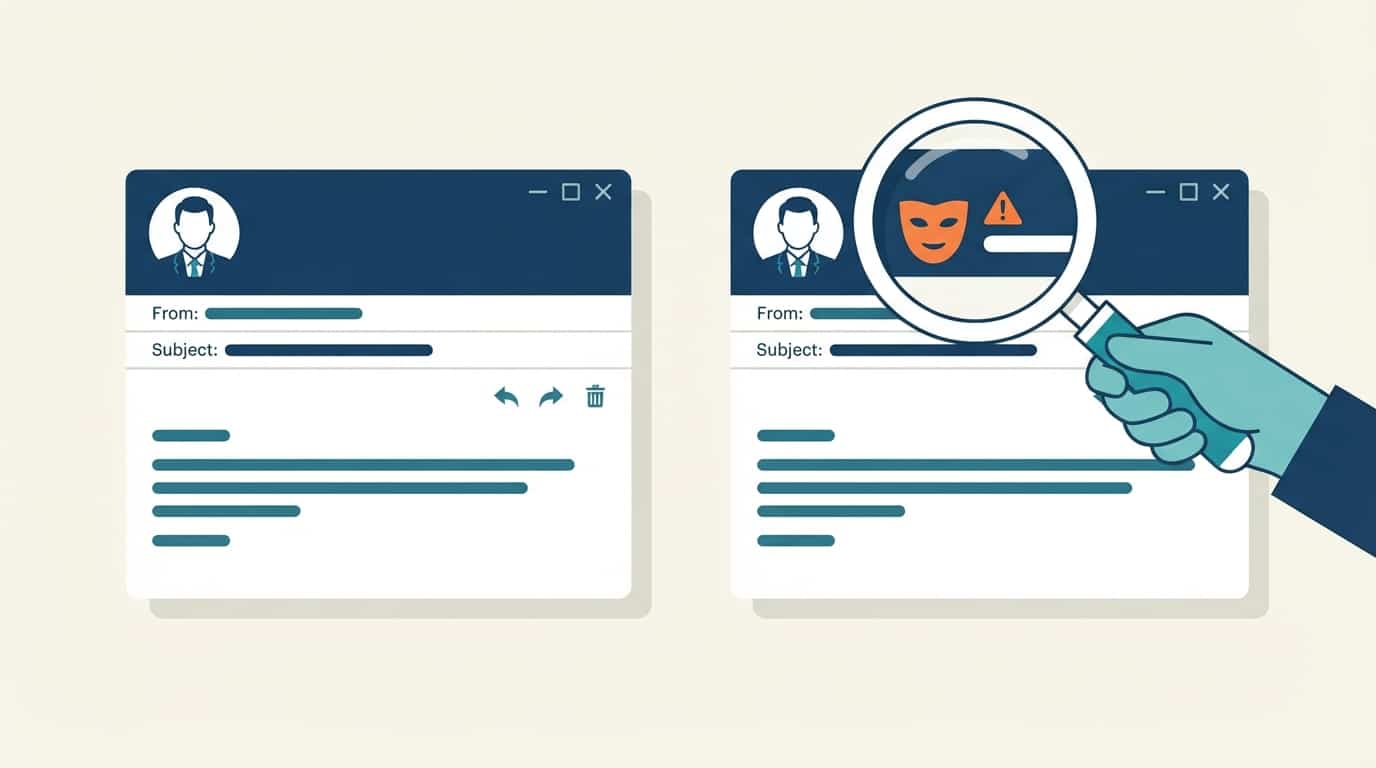
- A sender address that differs by a character from the real one, or a display name that matches but an address that doesn't.
- A "reply-to" address that quietly differs from the "from" address.
- An executive who suddenly can't take calls and wants everything handled by email.
- A request for gift cards, cryptocurrency, or a payment to a first-time recipient.
- For your IT team: new forwarding rules, hidden inbox rules, or logins from unusual locations on a finance or executive mailbox.
This short video from Mimecast walks through how these attacks unfold and why trust and urgency, rather than malware, do the work:
How to Protect Your Company From Business Email Compromise
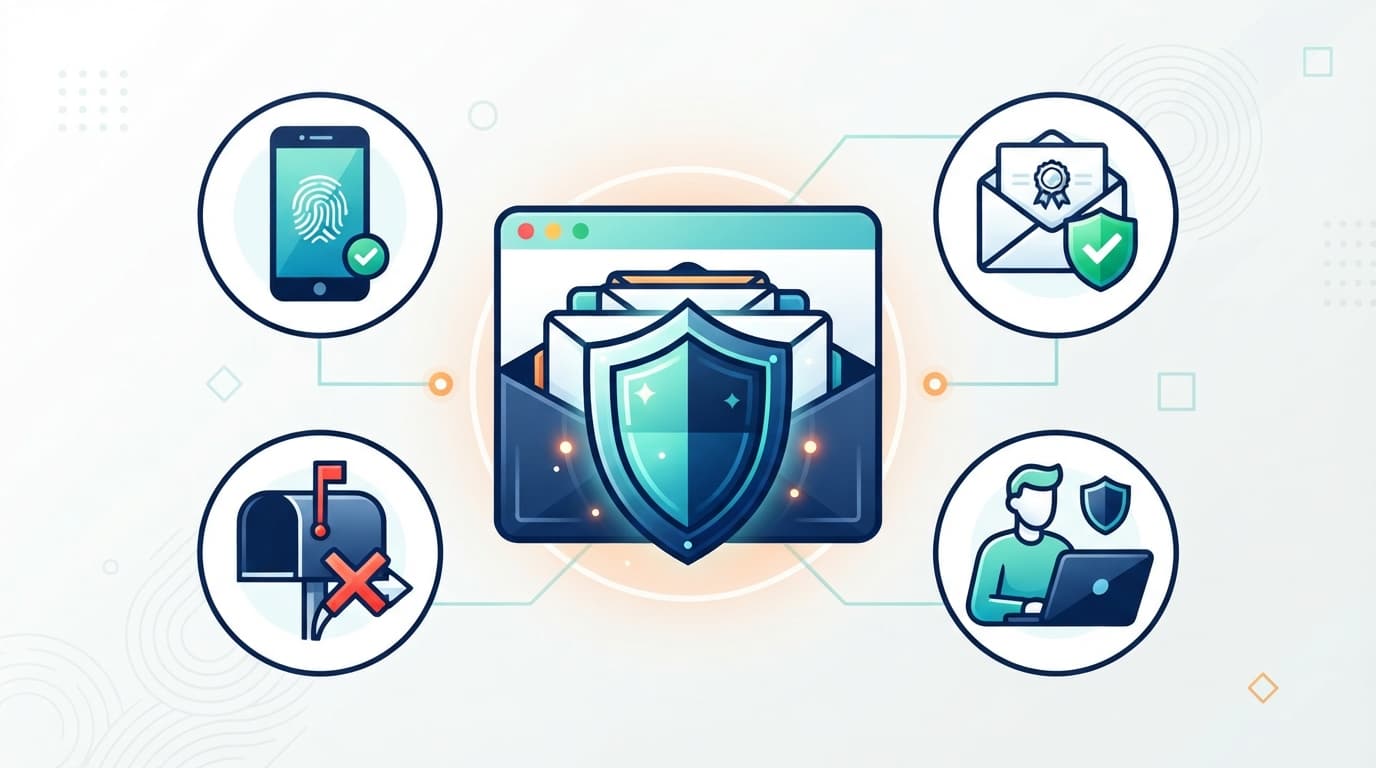
Protecting your company from business email compromise takes layers, because no single tool or rule stops every version. These controls work best together:
- Verify payment changes by phone. Any new vendor, bank account change, or unusual payment request gets a call to a number you already have on file. Never use a number from the email.
- Require two people on payments. One person enters or changes the payment, a different person approves it. A criminal now has to fool two people.
- Turn on multi-factor authentication for every mailbox. A stolen password alone then isn't enough to get in. Our post on why to enforce MFA covers the case for it.
- Authenticate your own domain. SPF, DKIM, and DMARC records make it much harder for others to send email that pretends to come from your company, and lookalike-domain monitoring flags copycat addresses.
- Monitor mailboxes for tampering. Alert on new forwarding rules, new inbox rules, and sign-ins from unusual places, and block legacy sign-in methods that skip MFA. Our Microsoft 365 optimization work includes this kind of tightening.
- Train people with realistic examples. Short, regular sessions using real-looking scenarios beat an annual slideshow. Our overview of the latest phishing attacks is a good starting point for a team discussion.
- Limit who can pay. Fewer people with payment authority, and separate logins for finance staff, shrink the target.
A Simple Payment Verification Policy You Can Adopt This Week
Technology helps, but the strongest defense against business email compromise is a written rule that everyone, including the owner, follows. Here is a plain-language policy you can adapt and put in place within a week:
- No payment instruction, bank detail change, or new vendor setup is accepted by email alone.
- Every such request is confirmed by phone, using a number from our own records, before any money moves.
- Two people are involved in every payment above an agreed amount: one prepares it, another approves it.
- New bank details on a large payment wait 24 hours before first use.
- We never buy gift cards or send cryptocurrency at the request of an email, from anyone.
- An urgent request from an executive follows the same steps. Urgency is a reason to verify, not to skip.
- Anyone can pause a payment they're unsure about, with no penalty, and tell IT.
The most useful sentence in this policy is the last one. People hesitate to question a message that appears to come from the boss. Telling them in writing that it's expected, and protected, is what makes the rest work.
What to Do If You Suspect Business Email Compromise
If you think a payment has already gone to a criminal, the first hour matters most. Follow the steps in this order:
- Call your bank immediately. Ask them to attempt a recall or freeze and to contact the receiving bank. The FBI advises contacting your financial institution right away.
- Report it. File a complaint with the FBI's Internet Crime Complaint Center at ic3.gov and keep the confirmation.
- Lock down the account. Reset the password, sign out all active sessions, confirm MFA is on, and remove any forwarding rules, inbox rules, delegates, or connected apps you didn't create.
- Preserve evidence. Don't delete the suspicious messages. Save the originals and their full headers for your IT provider and investigators.
- Bring in your IT provider and insurer. Many cyber policies have notice deadlines and cover only certain kinds of social-engineering fraud, so read yours now rather than later.
- Warn the other side. If a vendor's or customer's account was involved, tell them through a channel you trust so they can secure theirs.
- Check what else was exposed. The same mailbox may open the door to shared files and other systems, and reused passwords put other accounts at risk.
- Update your policy. Note what almost worked and tighten that step.
Our post on digital fraud and how to protect your business covers the wider set of scams that often travel alongside business email compromise.
TechWorks helps Southern California businesses lock down email accounts and put practical payment checks in place. If you'd like a second set of eyes on how your email is set up and how your team handles payment requests, we're happy to review it with you.
Talk to TechWorks about email security
FAQs
What is a business email compromise attack?
A business email compromise attack is a fraud in which a criminal impersonates a trusted person, such as an executive, vendor, or client, or takes over a real business mailbox, to trick someone into sending money, gift cards, or sensitive data. It usually relies on a convincing message rather than malware.
What is the difference between phishing and business email compromise?
Phishing usually sends many people a link or attachment designed to steal a password or install malware. Business email compromise is targeted and typically plain text, with a believable request from someone you trust. Phishing is often how criminals get into a mailbox in the first place, and business email compromise is what they do with the access.
Can antivirus or a spam filter stop business email compromise?
Not reliably. These messages often contain no malware or suspicious links, and some come from real, hijacked accounts, so filters see nothing unusual. The strongest protections are payment verification procedures, multi-factor authentication, domain authentication, and monitoring mailboxes for tampering.
What happens when a business email account is compromised?
The attacker can read past and incoming messages, send email as that person, and often create hidden rules that forward or hide messages. They may use the access to redirect payments, request data from colleagues, or break into other accounts that share the same password.
What should I do first if I sent money to a scammer?
Call your bank immediately and ask them to try to recall or freeze the transfer and to contact the receiving bank. Then file a report with the FBI's Internet Crime Complaint Center at ic3.gov and bring in your IT provider to secure the affected accounts.