
Table of Contents
- What Is Endpoint Detection and Response (EDR)?
- Why Antivirus Alone Isn't Enough Anymore
- EDR vs Antivirus: Key Differences
- How Endpoint Detection and Response Works
- Key Features to Look For
- EDR vs MDR vs XDR: What's the Difference?
- The Question Most Guides Skip: Who Watches the Alerts?
- You May Already Own EDR
- Common EDR Mistakes Small Businesses Make
- Does Your Small Business Need EDR?
- How TechWorks Helps With Endpoint Protection
For years, antivirus was the main thing standing between a small business and malware. That's no longer enough. Today's attackers often log in with stolen passwords, use tools already built into Windows, and avoid dropping the kind of malicious files antivirus is designed to catch. Endpoint detection and response, or EDR, was built for exactly that problem.
This guide explains what EDR is, how it works, how it differs from antivirus, and how a small business can get real value from it without hiring a security team.
Key Takeaways
- Endpoint detection and response (EDR) continuously records what happens on your computers and servers, flags suspicious behavior, and can stop an attack in progress.
- Antivirus blocks known bad files. EDR watches behavior, so it can catch attacks that use stolen logins or legitimate tools.
- EDR only works if someone acts on its alerts. For most small businesses, that means a managed service with 24/7 monitoring.
- Many cyber insurance applications now ask about EDR, and some Microsoft 365 plans already include it.
What Is Endpoint Detection and Response (EDR)?
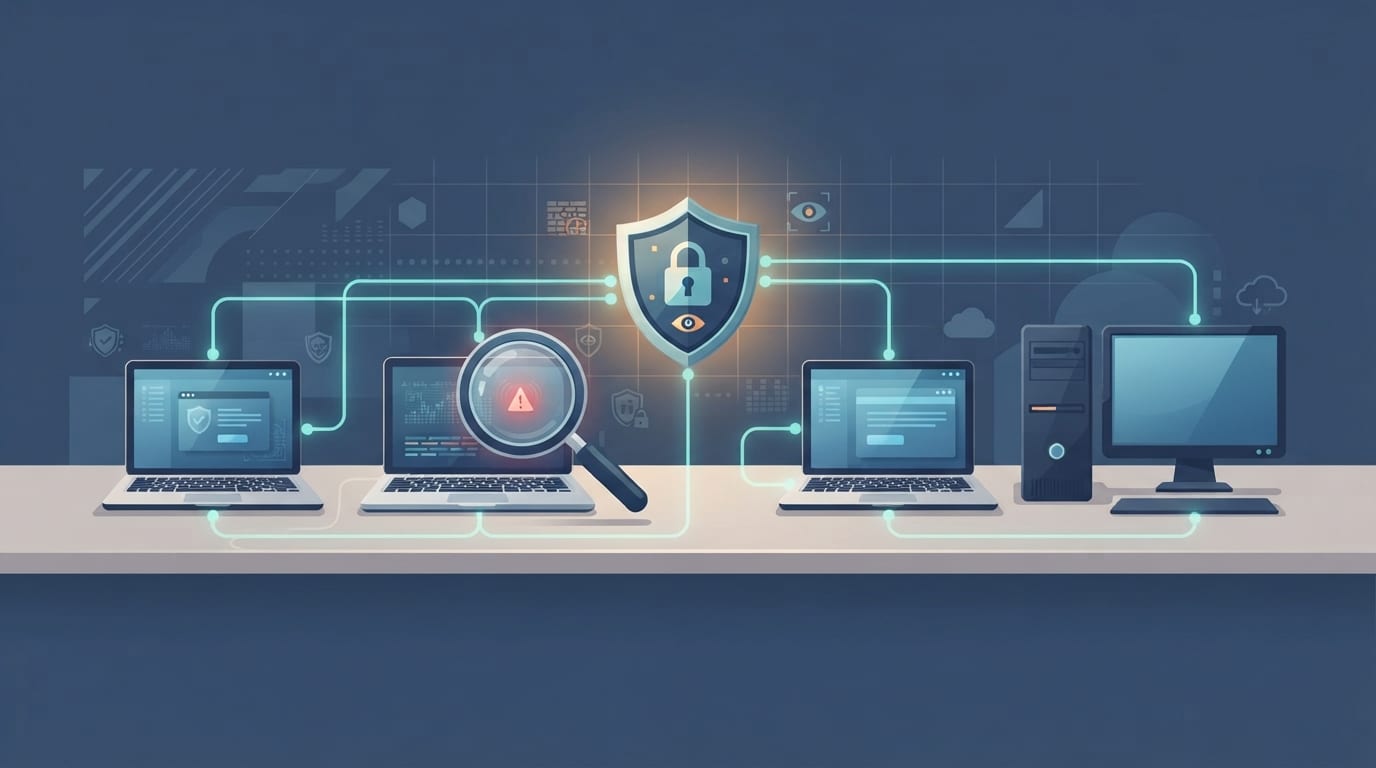
Endpoint detection and response is security software that runs on each "endpoint" (laptops, desktops, and servers) and does three jobs:
- Records activity. It keeps a continuous log of what happens on the device: programs that start, files that change, network connections, and user logins.
- Detects suspicious behavior. It compares that activity against known attack patterns and flags things that don't look right, even if no known malware file is involved.
- Responds. It can kill a malicious process, quarantine files, isolate the device from the network, and in some products roll back changes made by ransomware.
The key word is behavior. Traditional antivirus asks, "Is this file on my list of known threats?" EDR asks, "Is this device doing something an attacker would do?"
Why Antivirus Alone Isn't Enough Anymore
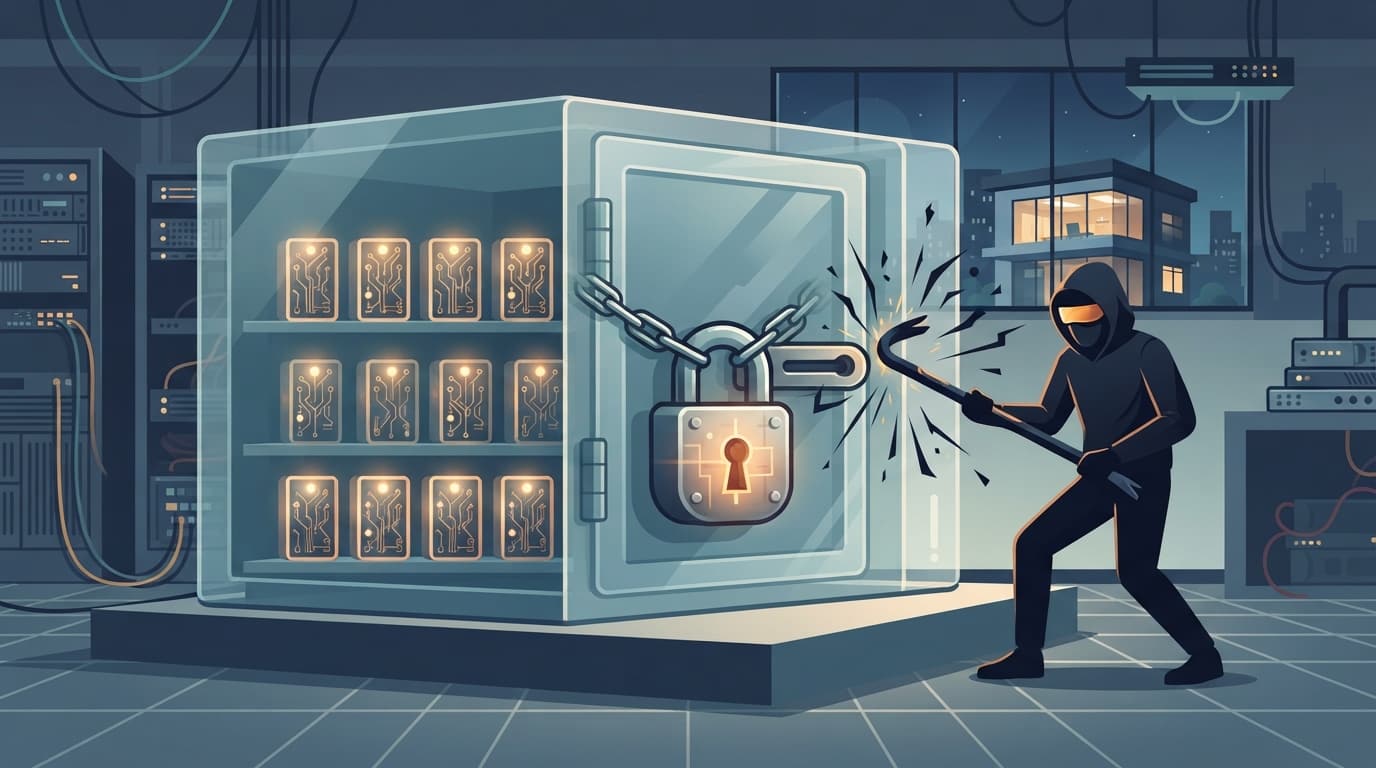
Antivirus still matters. It blocks a huge volume of common malware automatically. But modern attacks increasingly skip the steps antivirus is built to catch.
According to Sophos, 79% of ransomware attacks now originate from compromised identities. In other words, attackers often start by logging in, not breaking in. Once inside, they use legitimate administrative tools like PowerShell or remote access software. None of those actions involve a file antivirus would recognize as malicious.
Here's what that looks like in practice at a small office:
- An employee's Microsoft 365 password is stolen through a phishing email.
- The attacker signs in remotely and uses built-in Windows tools to look around the network.
- They disable backups, copy sensitive files, and finally launch ransomware across every machine at once.
Antivirus might catch the ransomware file at step 3, if it recognizes it. Endpoint detection and response is designed to notice the unusual behavior at step 2, while there's still time to stop the attack.
EDR vs Antivirus: Key Differences
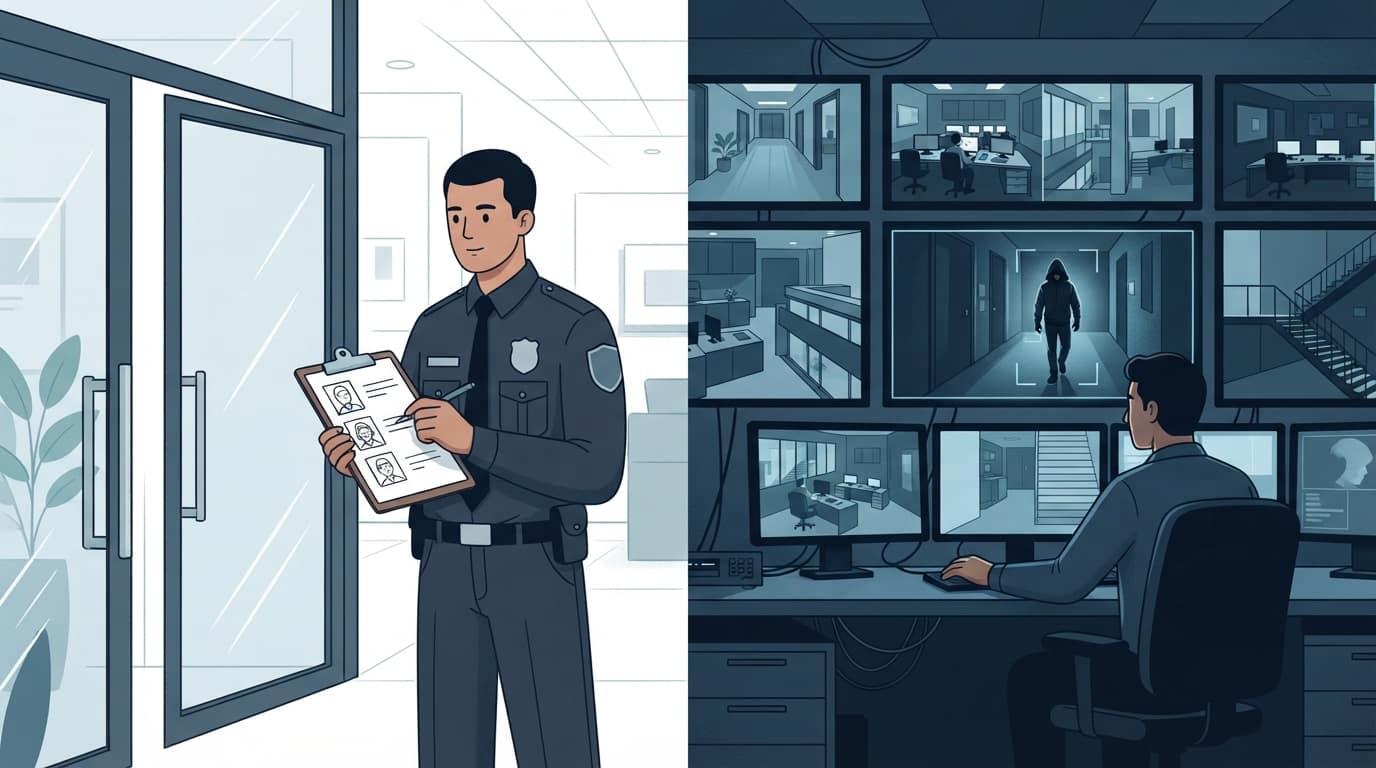
The simplest way to think about it: antivirus is the guard at the front door checking IDs against a list. EDR is the security camera system watching what everyone does once they're inside.
| Traditional antivirus | Endpoint detection and response | |
|---|---|---|
| Main goal | Prevent known malware from running | Detect and stop attacks in progress, including unknown ones |
| How it detects | Signatures and basic file analysis | Behavior monitoring across processes, users, and network activity |
| Catches stolen-login attacks | Rarely | Often, through unusual behavior after login |
| Response options | Quarantine or delete the file | Kill processes, isolate the device, roll back changes, investigate |
| Visibility after an incident | Little or none | A detailed timeline of what happened |
| Needs human attention | Minimal | Yes, someone has to review and act on alerts |
You don't have to choose one or the other. Most modern EDR products include antivirus-style prevention, so you get both layers in one tool.
How Endpoint Detection and Response Works
Every endpoint detection and response product follows the same basic cycle:
- Collect. A lightweight agent on each device records activity and sends it to a cloud console.
- Analyze. The platform compares that activity against known attacker techniques and looks for unusual patterns, like Word opening PowerShell or a user account suddenly logging in from another country.
- Alert. Suspicious activity becomes an alert with context: which device, which user, what happened, and in what order.
- Respond. Depending on how it's configured, the system acts automatically, or a security analyst investigates and decides.
- Investigate and recover. The recorded timeline shows how the attacker got in and what they touched, so you can close the gap and confirm what data was affected.
That last step matters more than most people realize. After an incident, your insurance carrier, attorney, and possibly regulators will ask what happened. Without EDR data, the honest answer is often "we don't know."

Key Features to Look For
EDR products vary a lot. For a small business, these features matter most:
- Device isolation. One click (or an automatic rule) cuts an infected machine off the network while still letting your IT provider work on it.
- Ransomware rollback. Some products can reverse file changes made by ransomware on a protected device.
- Clear, prioritized alerts. A tool that generates hundreds of low-value alerts a day will be ignored. Look for good filtering.
- Cloud management. Your devices should be protected and visible whether staff work in the office, at home, or on the road.
- Light footprint. The agent shouldn't slow down older laptops or interfere with line-of-business software.
- A managed option. Ideally the vendor or your IT provider offers 24/7 monitoring, which brings us to the most important point.
EDR vs MDR vs XDR: What's the Difference?
You'll see several related acronyms when you shop for endpoint protection:
- EDR (endpoint detection and response) is the technology on your devices that detects and responds to threats.
- MDR (managed detection and response) is EDR plus a team of security analysts who watch the alerts around the clock and respond for you.
- XDR (extended detection and response) pulls in data beyond endpoints, such as email, cloud apps, identity, and the network, to see attacks that cross several systems.
For most small businesses, the practical question isn't EDR versus XDR. It's whether anyone is actually watching. That's why MDR, or EDR managed by your IT provider, is usually the right fit.
The Question Most Guides Skip: Who Watches the Alerts?
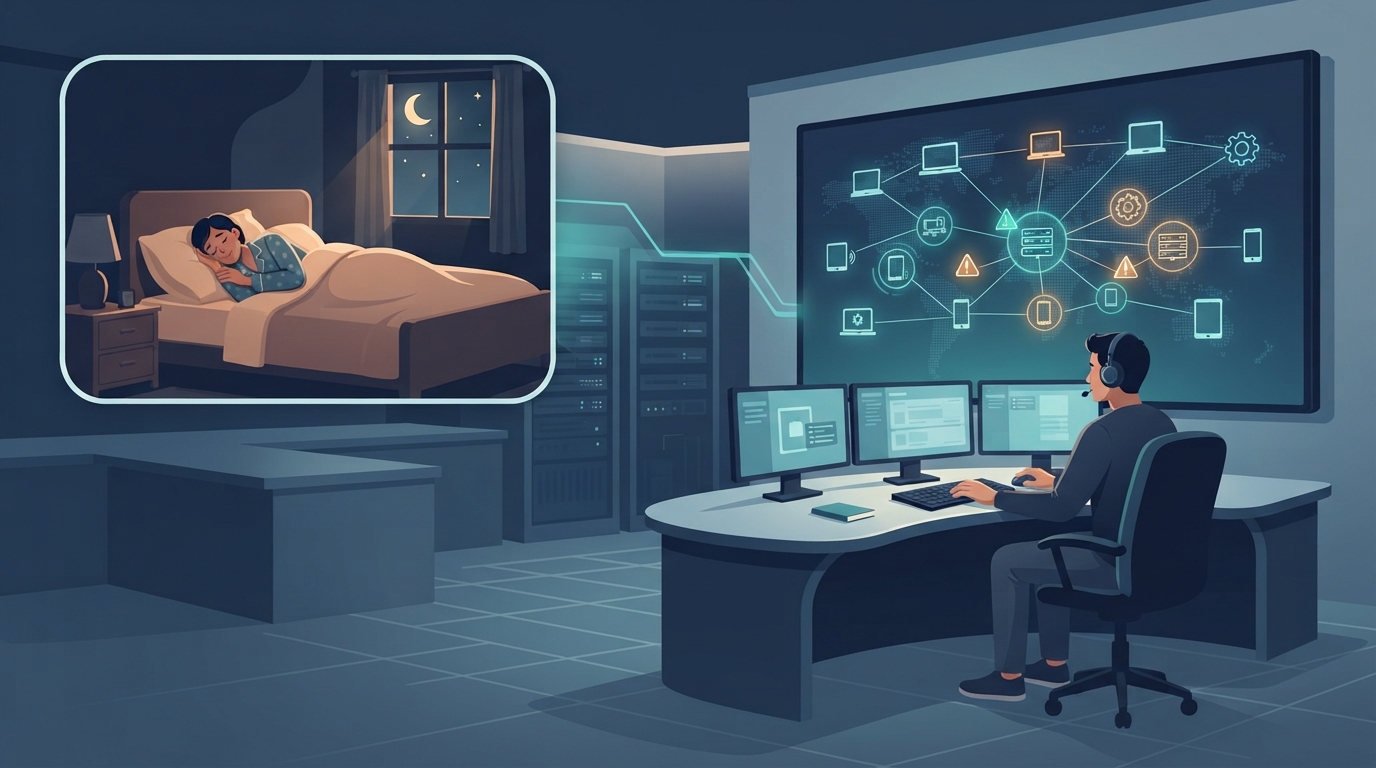
Here's the uncomfortable truth about endpoint detection and response: the software is only half the solution. EDR is very good at noticing that something is wrong. Something still has to decide what to do about it, often within minutes.
Attackers know this. Many attacks are launched late at night, on weekends, or over holidays, when nobody at a small business is looking at a security console. An alert that sits unread until Monday morning doesn't help much.
Small businesses typically handle this in one of three ways:
- Do it yourself. Someone on staff checks the console. This rarely works well, because it depends on one person's availability and expertise.
- Rely on automatic responses only. Better than nothing, but automation can't handle everything, and it can also isolate a device by mistake at a bad moment.
- Use a managed service. Your IT provider or a security operations center monitors alerts 24/7, investigates, and responds. This is what we recommend for most businesses with 5 to 250 employees.
Our article on 24/7 managed security services goes deeper on what round-the-clock monitoring includes.
You May Already Own EDR
Before you buy anything, check what you already have. If your business uses Microsoft 365 Business Premium, your licenses include Microsoft Defender for Business, which provides endpoint detection and response for Windows, Mac, iOS, and Android devices. Many businesses pay for Business Premium and never turn it on or configure it properly.
Third-party EDR products are also common, and many managed IT providers bundle one into their standard security stack. Either way, the questions to ask are the same: is it deployed on every device, is it configured to respond automatically to high-confidence threats, and who is watching the alerts?
If you'd like a short visual explanation to share with your team, this video from IBM Technology covers the basics in under six minutes:
Common EDR Mistakes Small Businesses Make
Buying EDR is the easy part. These are the gaps we find most often when we review a small business's endpoint protection:
- It isn't on every device. The office desktops are covered, but the owner's laptop, the server, and the bookkeeper's home PC that connects to the network are not. Attackers only need one unprotected machine.
- It's running in "detect only" mode. Some products ship with automatic response turned off. The tool sees the attack and writes it down, but doesn't stop it.
- Two security products are fighting each other. Running an old antivirus alongside a new EDR agent can slow machines down or cause one product to disable the other. Pick one platform and remove the rest.
- Alerts go to an inbox nobody reads. We've seen EDR consoles with weeks of unreviewed alerts, including real ones. If alerts go to a shared mailbox, they effectively go nowhere.
- Exclusions are too broad. To fix a performance complaint, someone excludes an entire folder or application from scanning. Attackers love those blind spots.
- Nobody has tested it. A simple, safe test file or a review by your IT provider confirms the agent reports in, raises an alert, and responds the way you expect.
None of these problems are about choosing the wrong vendor. They're about setup and ongoing ownership, which is where most small businesses benefit from outside help.
Does Your Small Business Need EDR?
For almost every business we work with, the answer is yes. You should treat endpoint detection and response as a priority if any of these apply:
- You handle sensitive data: patient records, financial information, legal files, or customer payment details.
- Your cyber insurance application asks about EDR. Many now do, and answering "no" can raise premiums or limit coverage.
- Staff work remotely or travel with company laptops.
- You've had a phishing incident or account compromise in the past.
- Your current protection is consumer-grade or free antivirus.
EDR also works best as one layer among several. Keep devices patched (see our guide to patch management), require multifactor authentication, train staff to spot phishing, and keep backups that ransomware can't delete. Our article on immutable backups covers that last layer.
How TechWorks Helps With Endpoint Protection
TechWorks deploys and manages endpoint detection and response for small and midsize businesses across Southern California as part of our cybersecurity and anti-virus services. We:
- Review what you already own, including Microsoft 365 licenses that may include EDR you aren't using.
- Deploy and configure EDR on every laptop, desktop, and server.
- Tune alerts so real threats get attention and noise doesn't.
- Monitor alerts and respond when something looks wrong.
- Pair EDR with patching, backups, and user training for layered protection.
Not sure whether your devices have endpoint detection and response, or whether anyone is watching the alerts? Contact TechWorks to schedule a security review, and we'll show you exactly where your endpoints stand.
FAQs
What is EDR in simple terms?
EDR, or endpoint detection and response, is security software on your computers and servers that records activity, spots suspicious behavior, and can stop an attack in progress, for example by isolating an infected laptop from the network.
Are EDR and antivirus the same thing?
No. Antivirus mainly blocks known malicious files. EDR watches behavior, so it can catch attacks that use stolen passwords or legitimate tools. Most modern EDR products include antivirus-style protection too, so one product can cover both.
Do small businesses really need EDR?
For most, yes. Small businesses face the same ransomware and account-takeover attacks as larger companies, and many cyber insurance applications now ask whether EDR is in place. The key is pairing it with someone who monitors the alerts.
What is the difference between EDR and MDR?
EDR is the technology. MDR (managed detection and response) adds a team of security analysts who monitor EDR alerts around the clock and respond on your behalf. For businesses without in-house security staff, MDR or a managed IT provider handling EDR is usually the better fit.
Does Microsoft 365 include EDR?
Microsoft 365 Business Premium includes Microsoft Defender for Business, which provides EDR capabilities for Windows, Mac, and mobile devices. It needs to be deployed and configured to be effective, and someone still needs to watch the alerts.