
Table of Contents
- What Is Vulnerability Scanning?
- Why Vulnerability Scanning Matters for a Small Business
- How Vulnerability Scanning Works
- Types of Vulnerability Scans
- Vulnerability Scanning vs. Penetration Testing and Antivirus
- How Often Should You Run Vulnerability Scanning?
- What to Do With Your Vulnerability Scanning Results
- Who Should Run Vulnerability Scanning, and What Does It Cost?
Vulnerability scanning is the routine check that tells you which of your computers, servers, firewalls, and cloud services have known security holes before an attacker finds them first. For a small business without a full-time security person, it's one of the most affordable ways to turn "we think we're protected" into a specific list of things to fix.
Most breaches don't start with a clever, never-seen-before exploit. They start with a flaw that already has a public fix: an unpatched server, a risky firewall setting, a forgotten test system that's still online. This guide explains what vulnerability scanning is, how it works, how often to do it, and what to do with the results, in plain terms for owners and office managers rather than security engineers.
Key Takeaways
- Vulnerability scanning is an automated check that compares your devices and software against a database of known flaws and produces a prioritized fix list.
- A scan finds weaknesses but doesn't exploit them, which makes it cheaper and safer than a penetration test and suitable for a regular schedule.
- Most small businesses should run external scans at least quarterly, internal scans monthly, and an extra scan after any major change.
- A scan report only helps if someone owns it. Fix critical and internet-facing problems first, then rescan to confirm.
- Insurers, auditors, and standards like PCI DSS increasingly expect proof that scans are happening.
What Is Vulnerability Scanning?
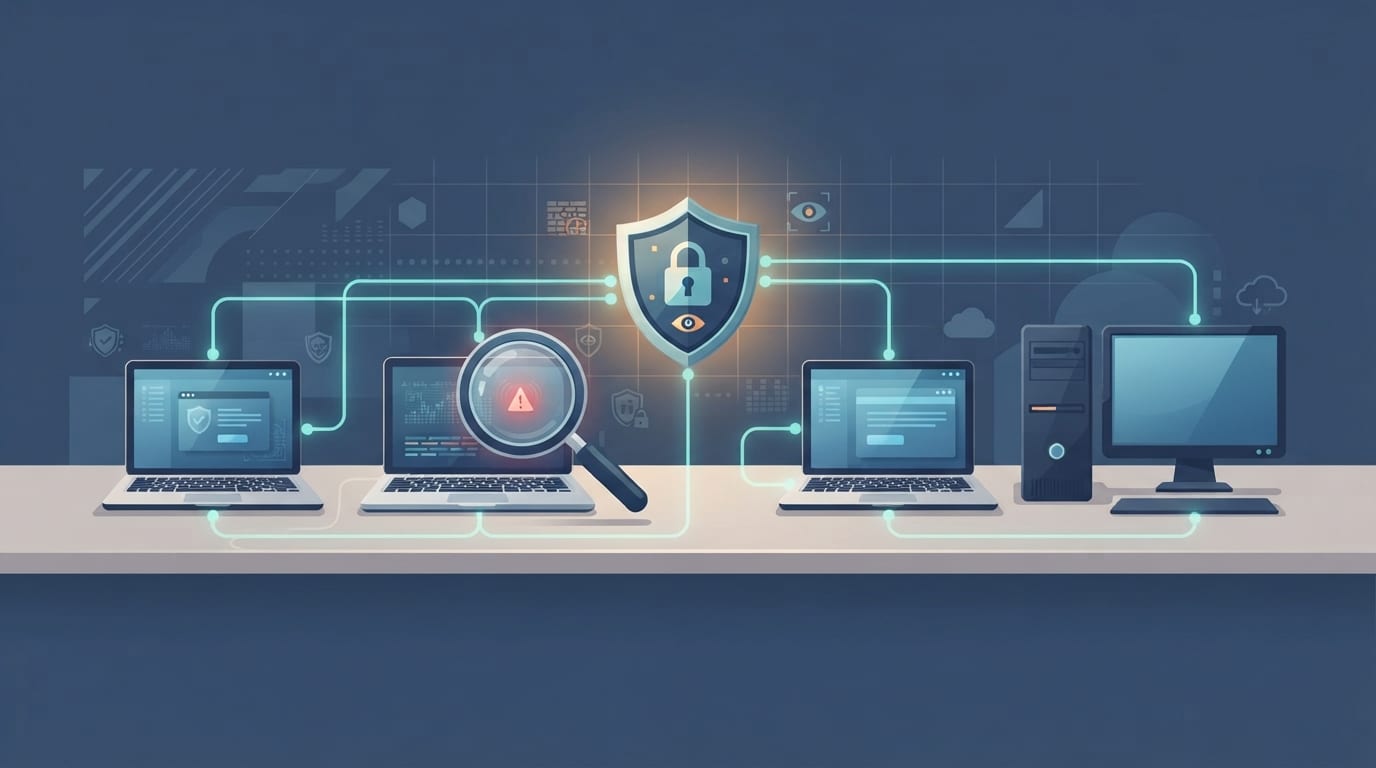
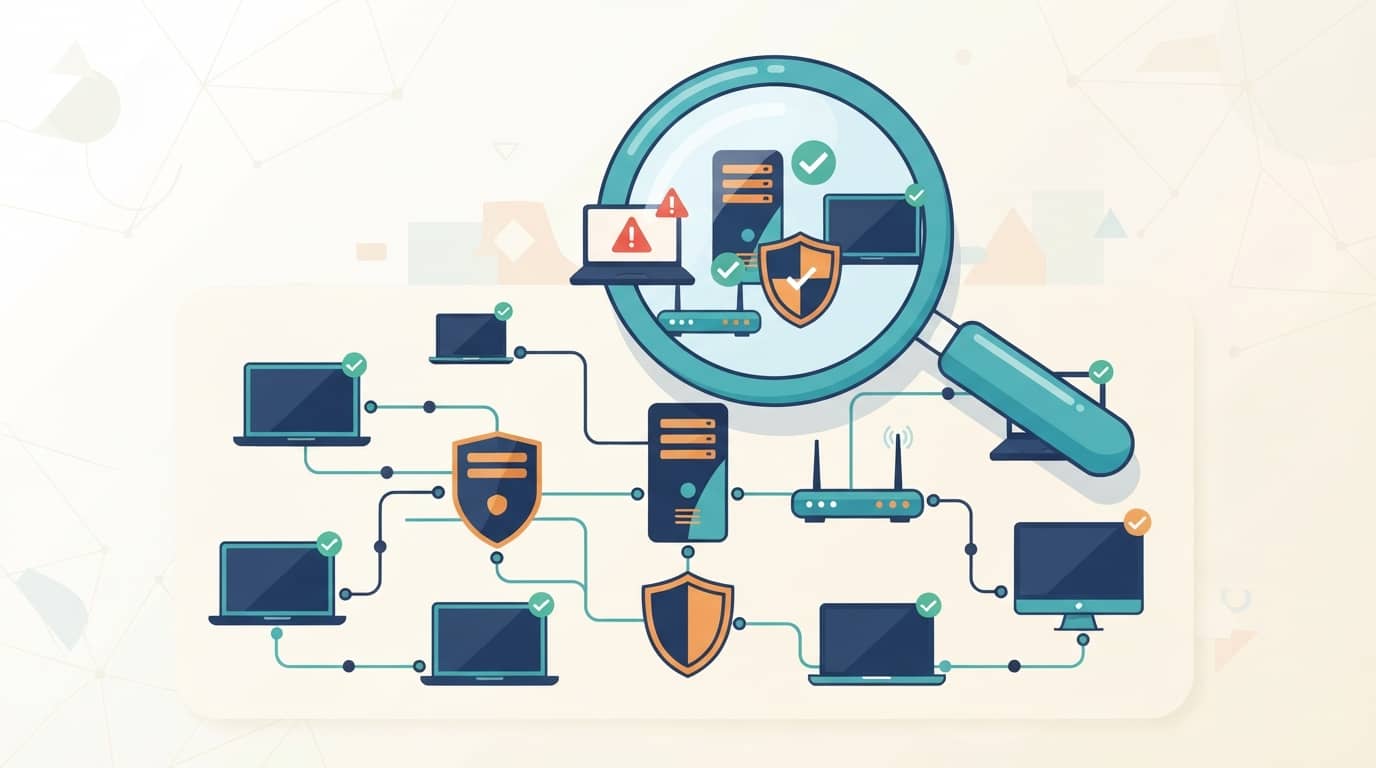
Vulnerability scanning is an automated process that probes your network, devices, and applications for known security weaknesses. These include missing patches, outdated software, open network ports that shouldn't be open, weak configurations, and default passwords. The scanner compares what it finds against public databases of known flaws (the best known is the CVE list) and reports each match with a severity rating.
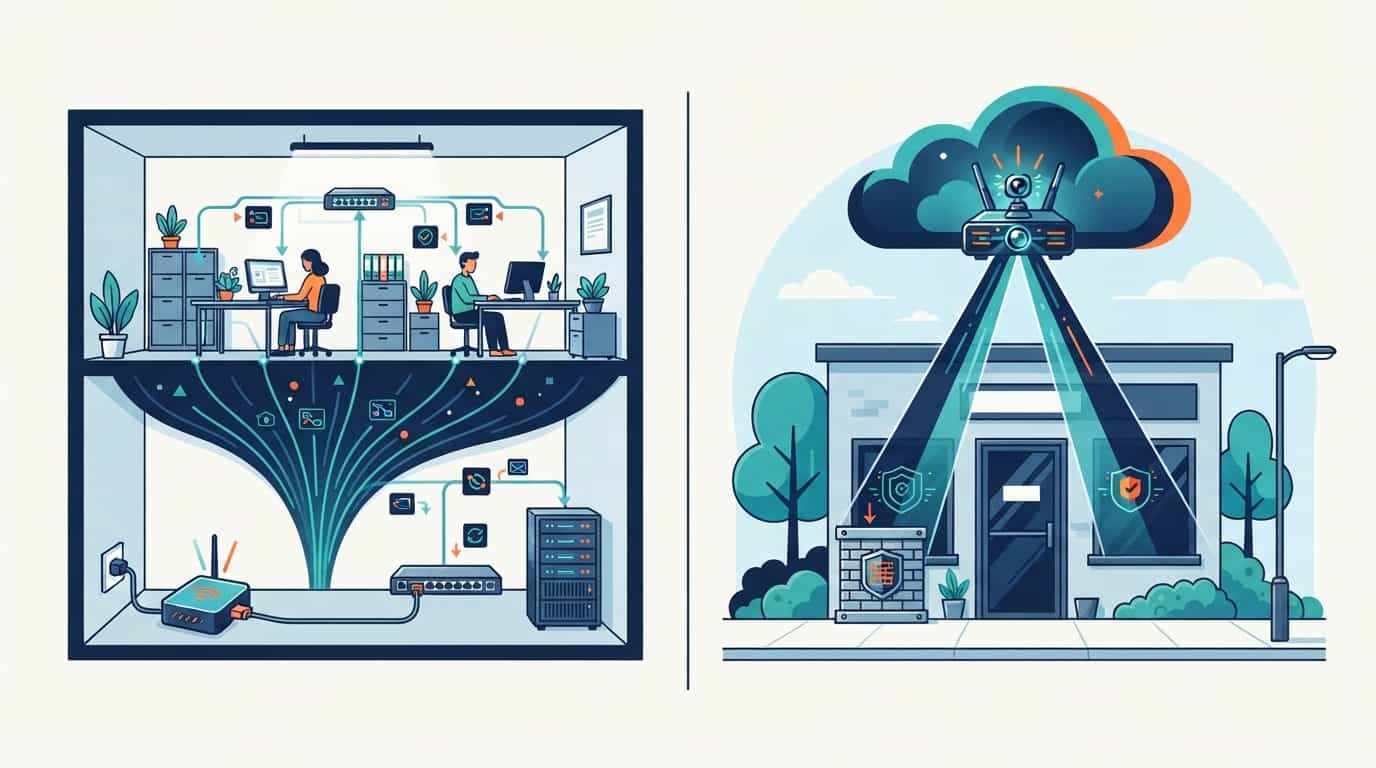
Think of it as a building inspection rather than a break-in attempt. The scanner walks the halls checking whether doors are propped open and windows are latched. It doesn't climb through them to prove the point. That difference matters when we compare vulnerability scanning with penetration testing later in this guide.
For a business with 10 to 100 employees, a typical scan covers:
- Laptops and desktops, including remote and work-from-home machines.
- Servers, both on-site and in the cloud.
- Network gear such as firewalls, routers, switches, and Wi-Fi access points.
- Internet-facing systems like VPNs, remote desktop gateways, mail servers, and your website.
- Cloud services and web applications, where settings are easy to get wrong.
Why Vulnerability Scanning Matters for a Small Business
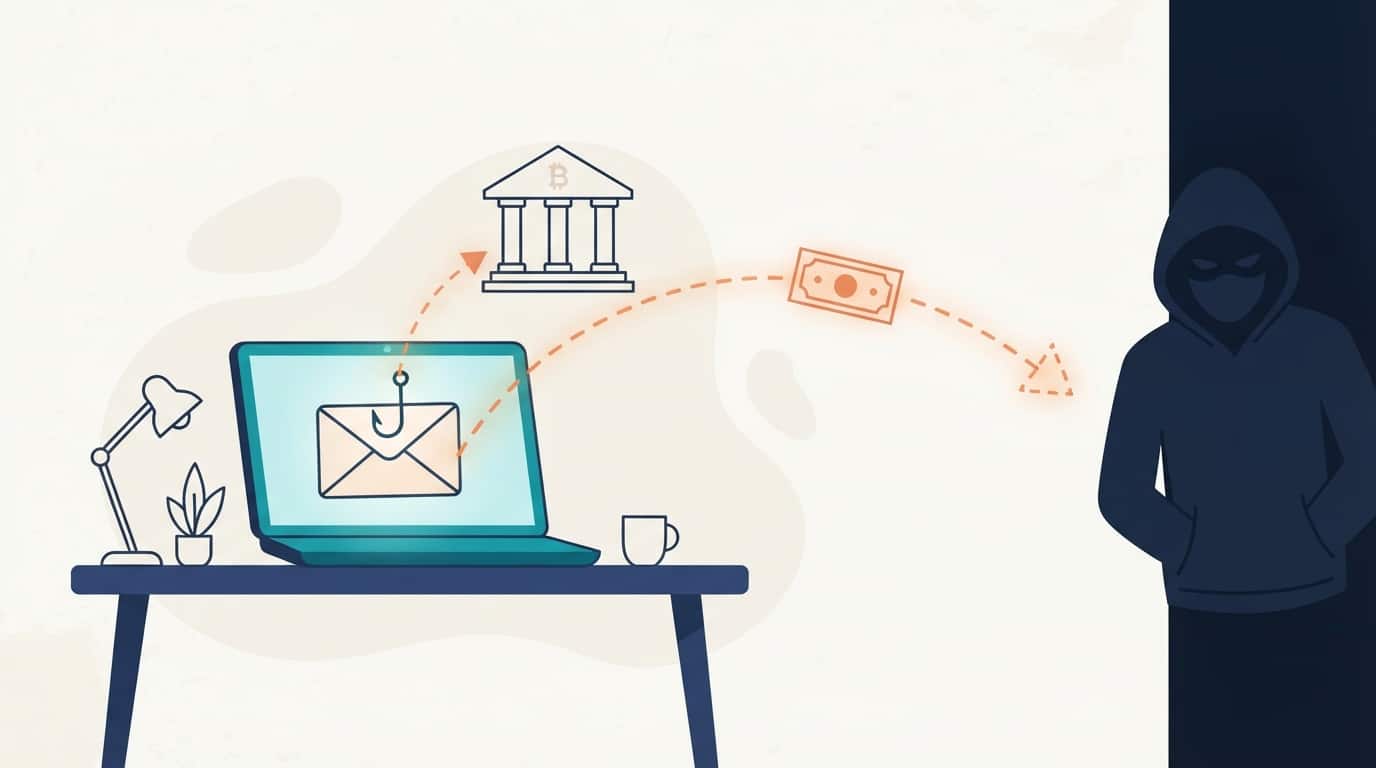
Regular vulnerability scanning matters because attackers run scans too, and they run them constantly. Automated tools sweep the internet around the clock looking for systems with known flaws, so small businesses are usually hit by volume rather than by someone choosing them personally. If you have an exposed, unpatched system, a tool finds it long before a person does.
Here are the main reasons it pays off:
- It catches what patching misses. Patch tools only update the devices and software they know about. A laptop that fell off the schedule or an application outside the patch system stays vulnerable until something checks. Our guide to patch management covers the other half of this job.
- It shows you what attackers see. An external scan looks at your business from the internet, which is where most attacks begin.
- It supports compliance. PCI DSS requires quarterly external scans by an approved scanning vendor for businesses that handle card data. HIPAA expects a documented risk analysis and ongoing technical evaluation, and scan reports are common evidence. See our HIPAA IT compliance checklist for the wider picture.
- It answers insurance and client questions. Cyber insurance applications and vendor security questionnaires increasingly ask whether you scan and how often.
- It focuses your effort. No small team can fix everything. A ranked list tells you where an hour of work removes the most risk.
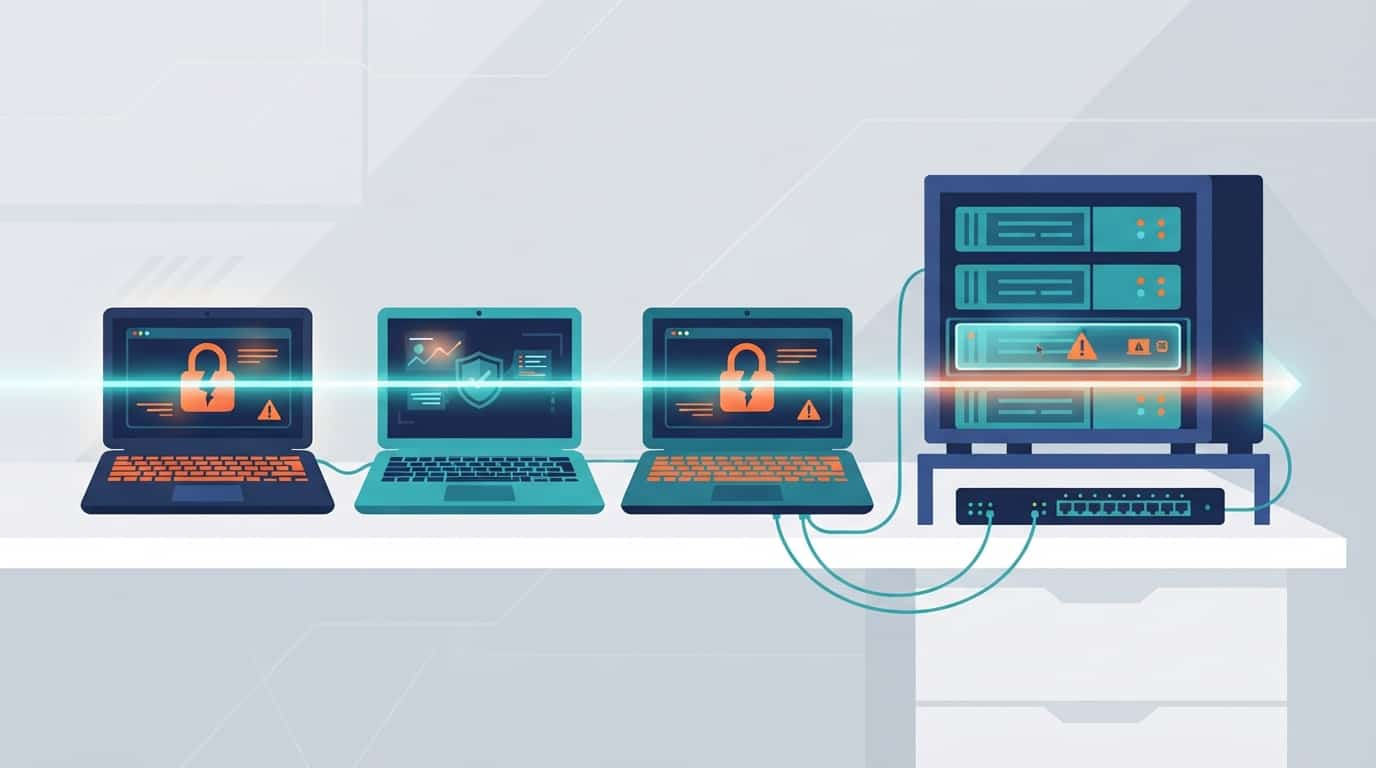
Picture a 25-person accounting firm that replaced its file server two years ago but left the old one plugged in "just in case." It no longer receives updates, it still connects to the main network, and nobody remembers it exists. A scan finds it in minutes. A manual inventory might never.
How Vulnerability Scanning Works
Every vulnerability scanning tool follows the same basic sequence, whether it's a free open-source scanner or a commercial platform:
- Discovery. The scanner finds live devices and open ports across the address ranges you point it at.
- Identification. It works out what each device is: the operating system, software versions, and running services.
- Detection. It checks those versions and settings against its database of known flaws and risky configurations.
- Scoring. Each finding gets a severity rating, usually from the CVSS scale of 0 to 10, where 9.0 and above is critical.
- Reporting. You get a list grouped by severity and device, often with the recommended fix.
- Rescanning. After you fix things, a repeat scan confirms the problem is actually gone.
Scans can take from a few minutes to several hours depending on how much they cover. Modern scanners are built to avoid disrupting systems, but it's smart to schedule scans outside business hours, especially when older equipment is involved.
This short video from CISA explains how the agency's free vulnerability scanning service works for eligible organizations. It's a clear picture of the process even if you use a different tool:
Types of Vulnerability Scans
Vulnerability scanning comes in several varieties, and most small businesses need a mix rather than a single type. This table summarizes the common ones:
| Scan type | What it checks | Best for |
|---|---|---|
| External | Systems visible from the internet, such as your firewall, VPN, website, and mail server | Seeing what attackers see; meeting PCI quarterly requirements |
| Internal | Devices and servers inside your network | Finding unpatched workstations, servers, and forgotten old systems |
| Authenticated | Logs in with a read-only account to inspect patches and settings | The most accurate results and fewer false alarms |
| Unauthenticated | Probes from the outside without logging in | A quick view of exposed services |
| Web application | Your website or customer portal for flaws like injection attacks | Businesses with custom web apps or online portals |
| Cloud and configuration | Settings in Microsoft 365, Azure, or AWS | Spotting overly open sharing and exposed storage |
A sensible starting point for most small offices is an external scan plus an authenticated internal scan. Add web application and cloud scans as those parts of your business grow.
Vulnerability Scanning vs. Penetration Testing and Antivirus
Vulnerability scanning and penetration testing get confused constantly, and antivirus often gets lumped in with both. They do different jobs:
- Vulnerability scanning is automated, finds known flaws, and doesn't exploit them. It's inexpensive enough to run monthly or quarterly.
- Penetration testing is a skilled person actively trying to break in, using flaws the way a real attacker would. It shows the real-world impact of a weakness, but it costs more and is usually done annually or after major changes.
- Antivirus and EDR detect and stop malicious software on individual devices. They don't find an unpatched server or a risky open port. Our post on EDR versus antivirus explains where that protection fits.
The sensible order is to scan regularly, fix what it finds, and then consider a penetration test once the basics are clean. Testing a network full of known flaws mostly rediscovers what a scan would have told you for far less money.
How Often Should You Run Vulnerability Scanning?
The right frequency for vulnerability scanning depends on how quickly your environment changes and which rules apply to you. If scans only happen once a year, the report is stale before anyone reads it.
| Situation | Suggested frequency |
|---|---|
| External scans of internet-facing systems | At least quarterly; monthly is better. PCI DSS requires quarterly and after significant changes. |
| Internal scans of workstations and servers | Monthly for most offices; weekly for regulated or higher-risk environments |
| After a major change | Right after a new firewall, new server, office move, or new cloud application |
| After a widely reported flaw | A targeted scan within days of a major, actively exploited vulnerability |
| Remote and hybrid laptops | Continuous or weekly agent-based scanning, since they aren't always on the office network |
What to Do With Your Vulnerability Scanning Results
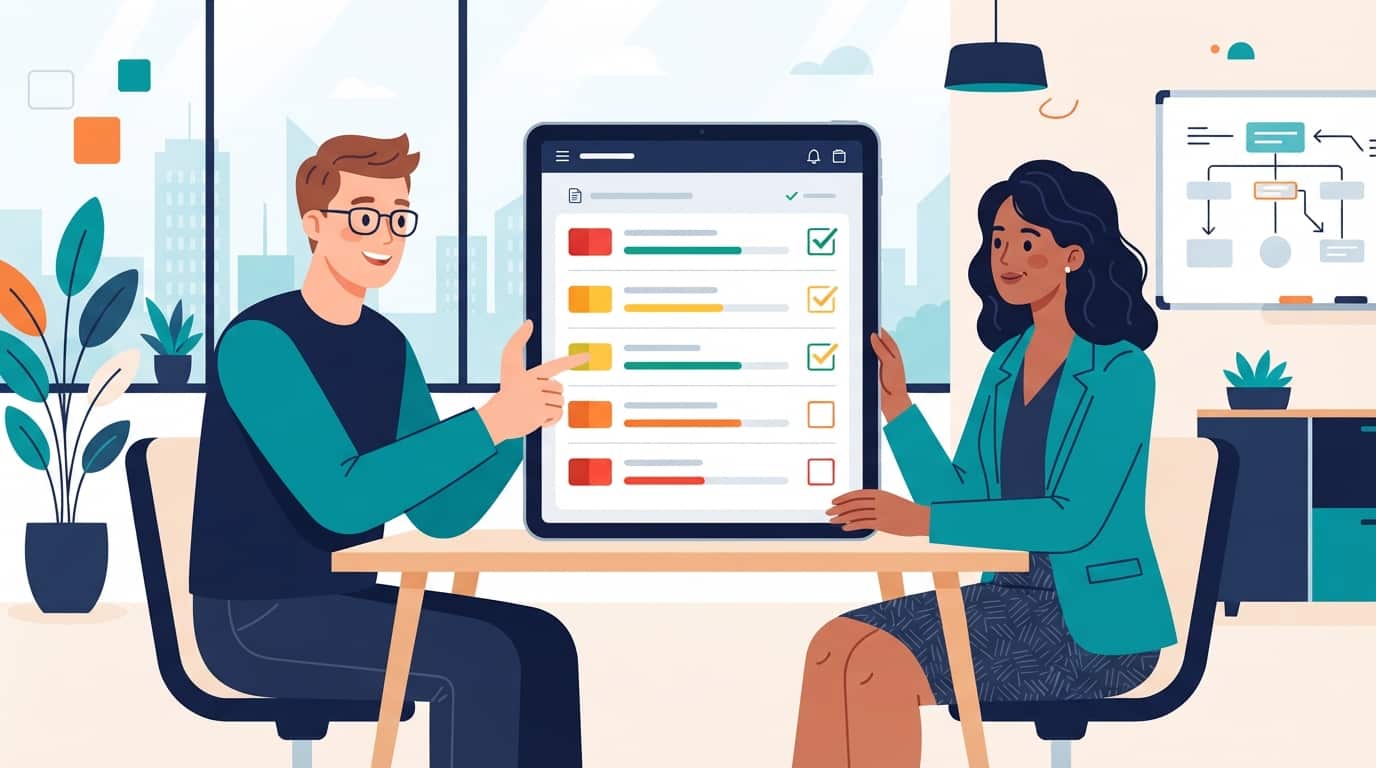
A vulnerability scanning report can list hundreds of findings, which is why many small businesses run one scan, feel overwhelmed, and never run another. The trick is to work the list in a fixed order rather than trying to fix everything at once:
- Start with critical findings on internet-facing systems. These are the ones attackers can reach without being inside your network.
- Next, fix anything known to be actively exploited. CISA maintains a public Known Exploited Vulnerabilities catalog that you can check findings against.
- Patch the rest in batches by severity, using your normal patch schedule.
- Retire what you don't need. Old servers, unused software, and forgotten test systems are the easiest risks to remove.
- Document deliberate exceptions. If something can't be fixed right now, write down why, what protects it in the meantime, and when you'll review it.
- Rescan to confirm. A finding isn't closed until a repeat scan agrees.
Put a clock on each severity level. A common starting point is critical within 7 days, high within 30, and medium within 90. The exact numbers matter less than having them and tracking against them.
A few mistakes come up again and again:
- No owner. A report nobody is responsible for becomes shelf decoration. Name one person, or one provider, who tracks every finding to closure.
- Scanning only servers. Laptops, especially remote ones, are where many real problems hide.
- Treating a clean report as a guarantee. Scanning finds known flaws. It doesn't catch stolen passwords or a staff member clicking a bad link, which is why it sits alongside training, multi-factor authentication, and monitoring.
Who Should Run Vulnerability Scanning, and What Does It Cost?
Small businesses generally have three ways to get vulnerability scanning done:
- Free and open-source tools. Scanners such as OpenVAS cost nothing to license, and CISA offers free scanning to eligible organizations (see its cyber hygiene services for eligibility). The real cost is staff time to set them up, tune them, and interpret the output.
- Commercial scanners. Products like Nessus are typically priced by the number of devices scanned. They're capable, but someone still has to run them and act on the findings.
- Scanning managed by your IT provider. The provider scans on a schedule, filters out false alarms, and fixes what it finds as part of an ongoing plan. For businesses with no in-house security person, this is usually the most practical route.
Pricing varies widely with the number of devices and what's included, so ask any provider the same few questions: How many devices and locations are covered? How often do scans run? Who fixes the findings, and how are they reported to you? Answers to those tell you more than a headline price.
TechWorks pairs proactive cybersecurity monitoring with patch management for Southern California businesses. If you'd like to talk through what vulnerability scanning would look like for your office, we're happy to help.
Talk to TechWorks about a security review
FAQs
What is vulnerability scanning?
Vulnerability scanning is an automated check that probes your computers, servers, network devices, and applications for known security weaknesses, such as missing patches, outdated software, and risky settings. It compares what it finds against public databases of known flaws and produces a prioritized list of what to fix.
What are the three types of network scanning?
Network scanning usually refers to three related activities: port scanning, which finds open ports on a device; network scanning, which finds live devices and the services they run; and vulnerability scanning, which checks those devices and services for known security flaws. Most small businesses rely on the third, often supported by the first two.
What is OpenVAS?
OpenVAS, now part of the Greenbone Vulnerability Management platform, is a free, open-source vulnerability scanner. It can be effective, but someone on your team or at your IT provider needs to set it up, keep it updated, and interpret the findings.
Is vulnerability scanning the same as a penetration test?
No. Vulnerability scanning is automated and finds known flaws without exploiting them, so it can run monthly or quarterly. A penetration test is performed by a skilled person who actively tries to break in to show the real-world impact of a weakness, and it is usually done annually or after major changes.
Can I run vulnerability scanning myself?
You can, and free tools make it possible, but the harder part is what comes after the scan: filtering false alarms, ranking findings, and fixing them on a deadline. Many small businesses get better results when their IT provider runs vulnerability scanning on a schedule and handles the fixes.