
Table of Contents
- What Counts as HIPAA IT Compliance
- Who Needs This Checklist
- What Happens If You're Not HIPAA IT Compliant
- Designate a HIPAA Compliance Officer
- Run a HIPAA Security Risk Assessment
- Put the Required Safeguards in Place
- Sign Business Associate Agreements With Every IT Vendor
- Train Staff and Keep Documentation
- Build a Breach Notification and Backup Plan
- Common HIPAA IT Compliance Mistakes Small Practices Make
- How a Managed IT Provider Supports HIPAA IT Compliance
- HIPAA IT Compliance Checklist
If your business handles patient records, insurance claims, or any other protected health information (PHI), a HIPAA IT compliance checklist is the fastest way to find out where your technology falls short before a regulator, an auditor, or an attacker finds out for you. Dental practices, medical offices, physical therapy clinics, and even the vendors who support them all have specific technical obligations under HIPAA, and most of those obligations come down to IT decisions: who can access a system, how data is encrypted, how backups are handled, and how a breach gets reported.
This checklist breaks down what a small healthcare practice or business associate actually needs to have in place, in plain language, without the legal jargon.
Key Takeaways
- HIPAA IT compliance covers the technical side of the law: access controls, encryption, backups, monitoring, and breach response.
- Every practice needs a designated Privacy or Security Officer, even if that person wears several other hats.
- A signed Business Associate Agreement (BAA) is required with any IT vendor, cloud provider, or software company that can access PHI.
- Administrative, physical, and technical safeguards all have to be documented, not just implemented informally.
- A managed IT provider can handle most of the technical safeguards directly, which removes a large share of the compliance burden from office staff.
What Counts as HIPAA IT Compliance
HIPAA compliance as a whole covers privacy policies, staff conduct, patient rights, and billing practices. HIPAA IT compliance is the narrower slice that deals with technology: the systems, networks, and devices that store or transmit PHI. It's governed mainly by the HIPAA Security Rule, which requires "reasonable and appropriate" administrative, physical, and technical safeguards for electronic PHI (ePHI).
In practice, that means your practice management software, email, backups, workstations, and any cloud tools your staff uses all fall under this checklist if they touch patient data.
Who Needs This Checklist
Two types of organizations need to meet these requirements:
- Covered entities: medical, dental, chiropractic, and behavioral health practices, along with insurers and billing services that create or receive PHI directly.
- Business associates: any vendor with access to PHI on a covered entity's behalf, including IT providers, cloud hosting companies, billing software vendors, and answering services.
If your business is an IT provider or software vendor working with a healthcare client, you're just as accountable for these safeguards as the practice itself.
What Happens If You're Not HIPAA IT Compliant
HIPAA violations carry civil penalties on a tiered scale, from roughly $100 per violation for something the practice didn't know about and couldn't have reasonably avoided, up to tens of thousands of dollars per violation for willful neglect that isn't corrected. A single breach can trigger multiple violations at once, so the numbers add up fast for even a small practice.
The bigger cost for most small businesses isn't the fine itself. It's the weeks of disruption while a breach gets investigated, the notification letters that go out to every affected patient, and the reputational damage in a local market where word travels fast. A two-chair dental office that loses patient records to ransomware for a week is dealing with a lot more than a compliance headache.
Designate a HIPAA Compliance Officer
Every organization subject to HIPAA needs someone responsible for compliance, whether that's one HIPAA Compliance Officer or separate Privacy and Security Officers for larger practices. In a small business, this is usually the office manager, practice owner, or an outsourced IT partner acting in that capacity.
This person's job is to:
- Keep policies and procedures current
- Run and review risk assessments
- Manage staff training
- Investigate and report any suspected breach
Run a HIPAA Security Risk Assessment
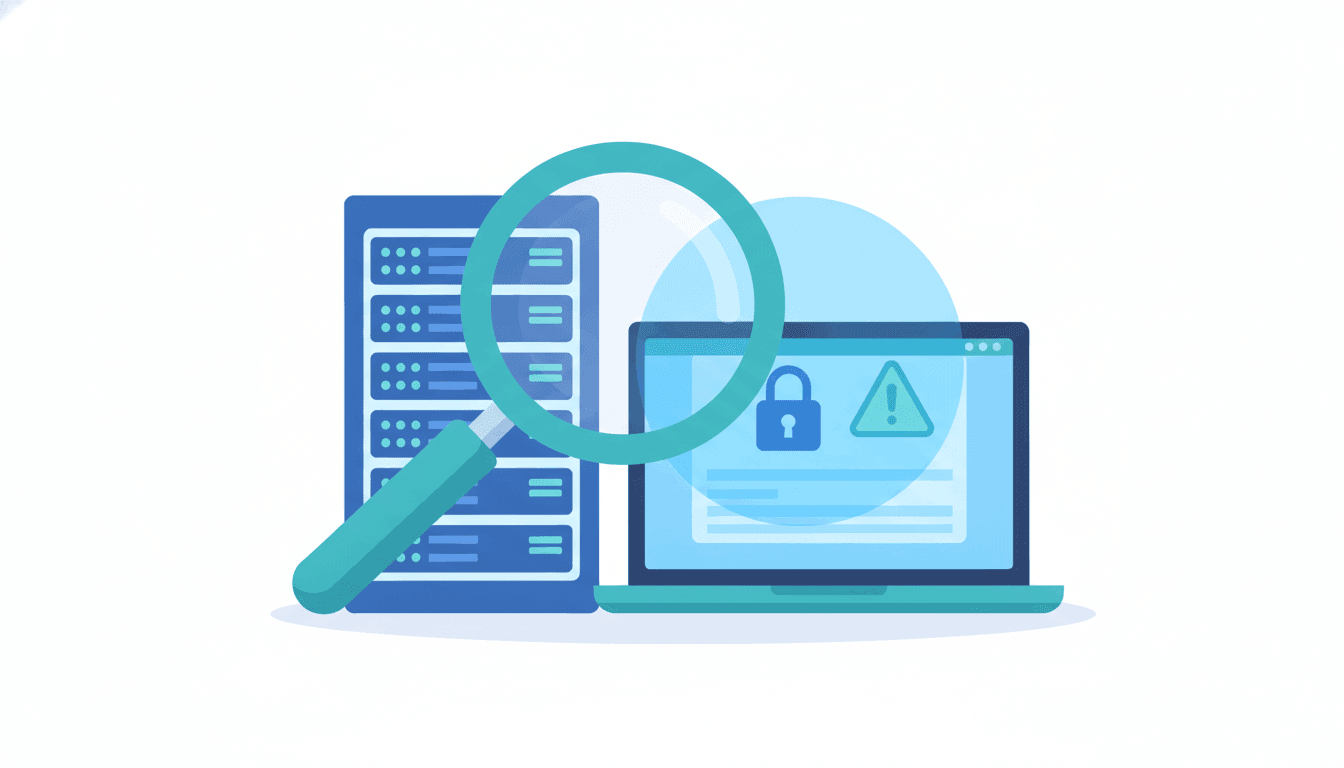
A risk assessment identifies where PHI lives, how it moves through your systems, and where it's exposed. HIPAA doesn't prescribe an exact format, but a useful assessment should cover:
- Every system, device, and application that stores or transmits ePHI
- Who has access to each one, and whether that access is limited to what each person's role actually requires
- Known vulnerabilities: unpatched software, weak passwords, unencrypted devices, unsecured Wi-Fi
- Existing safeguards, and where they fall short
This isn't a one-time exercise. Treat it as an annual review at minimum, and repeat it any time you add a new system, move to a new office, or bring on a new software vendor.
Put the Required Safeguards in Place
The HIPAA Security Rule groups technical requirements into three categories. All three apply to nearly every small practice.
Administrative Safeguards
- Written policies for who can access PHI and under what circumstances
- A documented process for onboarding and offboarding staff, including revoking system access the day someone leaves
- A response plan for security incidents
Physical Safeguards
- Locked server rooms or storage areas, with access limited to authorized staff
- Screen locks and auto-logoff on workstations that display PHI
- A documented process for wiping or destroying old hard drives and devices before disposal
Technical Safeguards
This is where most of the actual IT work happens, and where a practice's technology decisions matter most:
- Unique login credentials for every user, with multi-factor authentication (MFA) on email and any system holding PHI
- Encryption for data at rest (on servers and devices) and in transit (email, file transfers, remote access)
- Automatic logoff after a period of inactivity
- Audit logging so you can see who accessed what, and when
- Patched, supported operating systems and software, since unpatched systems are one of the most common entry points for attackers
These are the same controls covered under a managed security services plan, which is why many small practices hand this piece off to an IT partner rather than trying to manage it in-house.
Sign Business Associate Agreements With Every IT Vendor
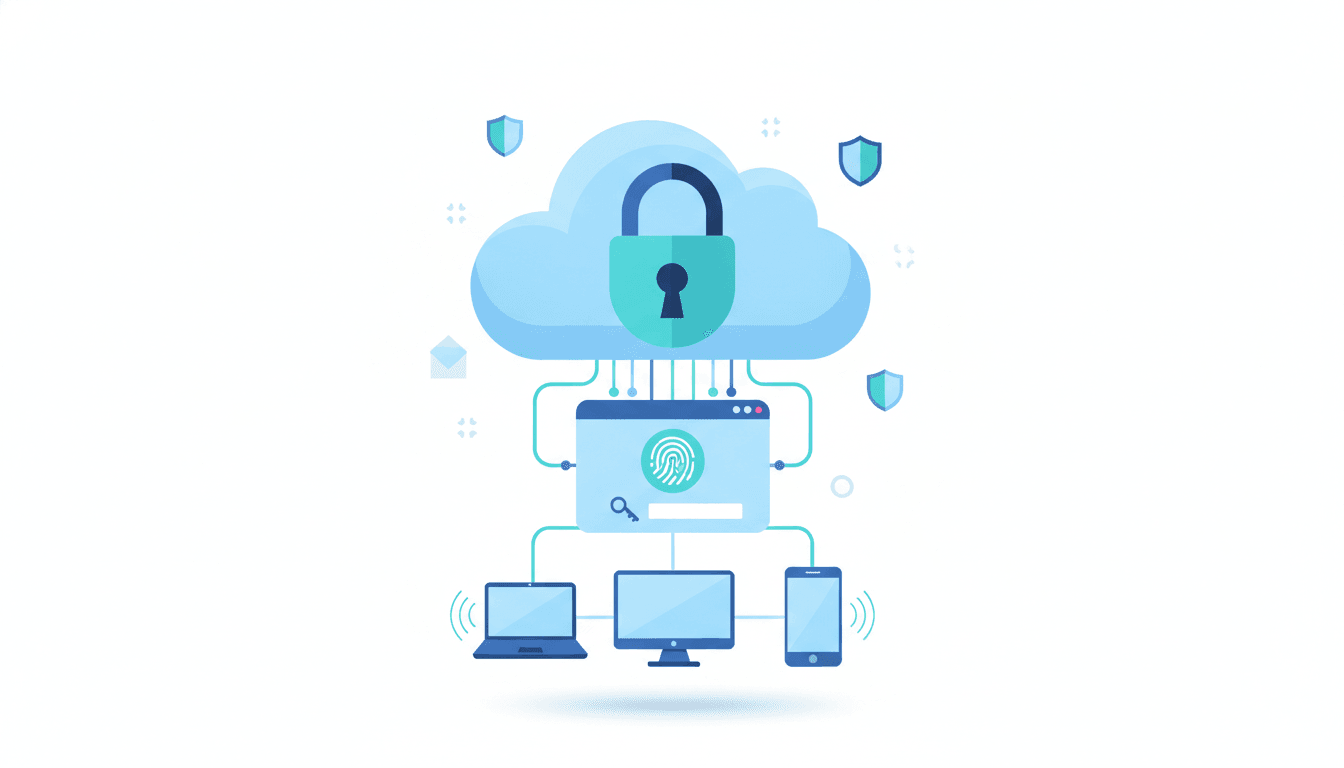
Any vendor that can access PHI, including your IT provider, cloud backup service, practice management software company, and even a document shredding service, needs a signed Business Associate Agreement (BAA) in place before they touch your data. A BAA spells out how the vendor will protect PHI and what happens if they cause or discover a breach.
Missing BAAs show up repeatedly in HIPAA enforcement cases, usually because a practice assumed a popular software tool was automatically compliant. Confirm in writing, don't assume.
Train Staff and Keep Documentation
Anyone who touches PHI, from front-desk staff to billing to IT support, needs HIPAA training when they're hired and refresher training on a regular schedule. Keep records of who was trained and when.
Documentation matters as much as the training itself. If your practice is ever audited, you need to show, not just tell, that policies exist, risk assessments happened, and staff were trained. Keep records for at least six years, which is the HIPAA minimum retention period for compliance documentation.
Build a Breach Notification and Backup Plan
If PHI is exposed, HIPAA requires notifying affected individuals within 60 days, and notifying the Department of Health and Human Services within the same window if 500 or more people are affected. Smaller breaches still need to be reported annually.
A solid backup and disaster recovery plan reduces how often you're dealing with this in the first place. Ransomware and hardware failure are two of the most common ways practices lose access to PHI, and a tested backup plan is what keeps a lost server from turning into a reportable breach.
Common HIPAA IT Compliance Mistakes Small Practices Make
The same handful of gaps show up again and again when a practice's IT setup gets reviewed for the first time:
- Assuming cloud software is automatically compliant. A practice management or scheduling tool being popular doesn't mean it's covered by a BAA, and some tools flatly aren't built for PHI at all.
- Sharing logins. One shared front-desk login makes it impossible to produce an accurate audit trail of who accessed a given record.
- Treating backups as a checkbox instead of a tested process. A backup that's never been restored isn't a recovery plan, it's a guess.
- Letting former employees keep access. Offboarding gets rushed, and an old login left active is an unnecessary open door.
- No documentation trail. Even a practice doing everything right on paper can fail an audit if it can't produce records proving it.
How a Managed IT Provider Supports HIPAA IT Compliance
Most small practices don't have an in-house IT department to own encryption, patching, access controls, and audit logging on top of running the business. That's the gap a managed IT provider fills. Instead of a practice manager trying to configure multi-factor authentication or verify that backups are encrypted, an IT partner handles those technical safeguards directly and can document them for an audit.
TechWorks works with several healthcare and dental office clients across Southern California on exactly this kind of setup: patched systems, monitored networks, encrypted backups, and access controls that match HIPAA's technical requirements, without the practice needing to manage any of it directly.
For a quick walkthrough of the core requirements before you go through the full checklist below, this video covers the basics in under five minutes:
HIPAA IT Compliance Checklist
- Designated a HIPAA Compliance Officer (or separate Privacy/Security Officers)
- Completed a HIPAA Security Risk Assessment in the past 12 months
- Documented administrative, physical, and technical safeguards
- Unique logins and MFA enabled for every system holding PHI
- Data encrypted at rest and in transit
- Automatic screen lock and logoff configured on all workstations
- Audit logging enabled and reviewed periodically
- All software and operating systems patched and supported
- Signed BAAs on file with every vendor that can access PHI
- Staff trained on HIPAA at hire and on a recurring schedule, with records kept
- Written breach notification procedure in place
- Backup and disaster recovery plan tested, not just assumed to work
- Compliance documentation retained for at least six years
If several of these boxes are unchecked, that's normal, most practices find gaps the first time they go through this list carefully. The next step is fixing them in order of risk, starting with access controls and backups, since those are the safeguards most likely to prevent or contain an actual breach. If you'd rather have someone else own this checklist going forward, a managed IT provider can take on the technical safeguards directly and keep the documentation ready for whenever you need it.