
Table of Contents
- What Is the 3-2-1 Backup Rule?
- Why the 3-2-1 Backup Rule Works
- Does Cloud Storage Count Toward the 3-2-1 Backup Rule?
- Is the 3-2-1 Backup Rule Outdated? Meet 3-2-1-1-0
- What the 3-2-1 Backup Rule Looks Like for a Small Business
- How Often to Back Up and How Long to Keep Backups
- Backup Setups That Look Like 3-2-1 but Aren't
- How to Check Your Business Against the 3-2-1 Backup Rule
- How TechWorks Helps You Follow the 3-2-1 Backup Rule
Most small businesses have a backup. Far fewer have a backup they could actually recover from after a ransomware attack, a fire, or a failed server. The difference usually comes down to one simple principle: the 3-2-1 backup rule. It's been the standard advice from IT professionals for years because it works, and it's simple enough to check in a few minutes.
This guide explains what the 3-2-1 backup rule means, why it still matters, how the modern 3-2-1-1-0 version handles ransomware, and what a proper setup looks like for a small business, including the common setups that look safe but aren't.
Key Takeaways
- The 3-2-1 backup rule means keeping 3 copies of your data, on 2 different types of storage, with 1 copy offsite.
- It works because no single event, whether a hardware failure, theft, fire, or mistake, can destroy every copy at once.
- Ransomware targets backups, so add at least one immutable or offline copy and test restores regularly. That's the 3-2-1-1-0 approach.
- File sync tools like OneDrive and Dropbox are not backups on their own. They sync deletions and encrypted files too.
- A backup you haven't tested is a hope, not a plan.
What Is the 3-2-1 Backup Rule?
The 3-2-1 backup rule is a simple framework for protecting business data. Each number describes one requirement:
3 copies of your data
Keep three total copies: your original working data plus at least two backups. If one backup fails or turns out to be corrupted, you still have another.
2 different types of storage
Store those copies on at least two different kinds of storage, such as a local backup appliance and cloud storage, or a server's disks and a network storage device. Different storage fails in different ways, so a problem that affects one is less likely to affect both.
1 copy offsite
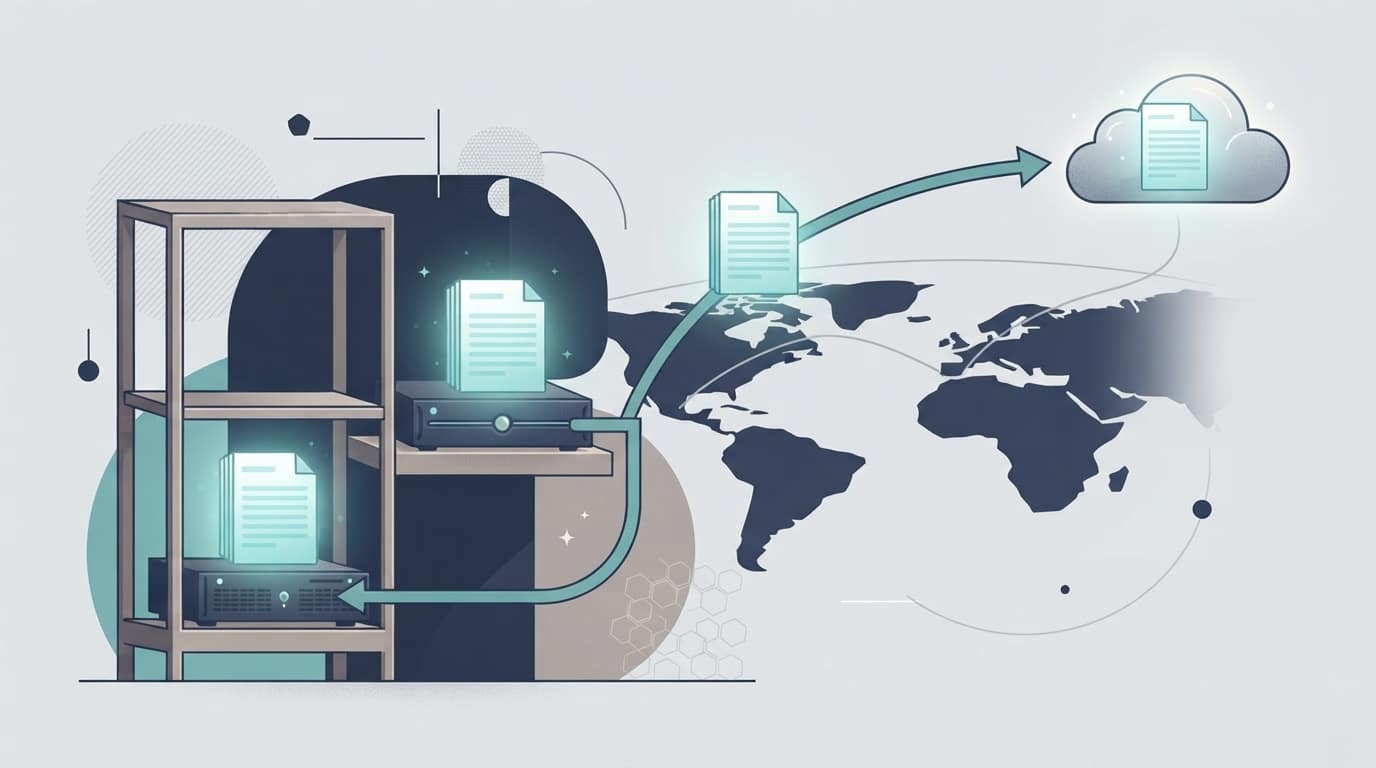
Keep at least one copy in a different physical location, usually a secure cloud backup service. If the office floods, burns, or is broken into, your offsite copy survives.
That's the whole rule. The 3-2-1 backup rule doesn't require any specific product or vendor, which is part of why it has lasted. It describes what a safe backup setup looks like, and you can meet it with many different tools.
Why the 3-2-1 Backup Rule Works
Every backup strategy is really about one question: what happens if this copy is lost too? The 3-2-1 backup rule makes sure the answer is always "we still have another one." Here's how it holds up against the things that actually destroy small business data:
| What goes wrong | What it destroys | What saves you |
|---|---|---|
| Server hard drive fails | The original data | The local backup, for a fast restore |
| Backup drive dies or corrupts | One backup copy | The second backup on different storage |
| Fire, flood, or theft at the office | Everything on site | The offsite cloud copy |
| Employee deletes a folder | The original files | Any backup with older versions |
| Ransomware encrypts the network | The original and any connected backups | An immutable or offline copy (see 3-2-1-1-0 below) |
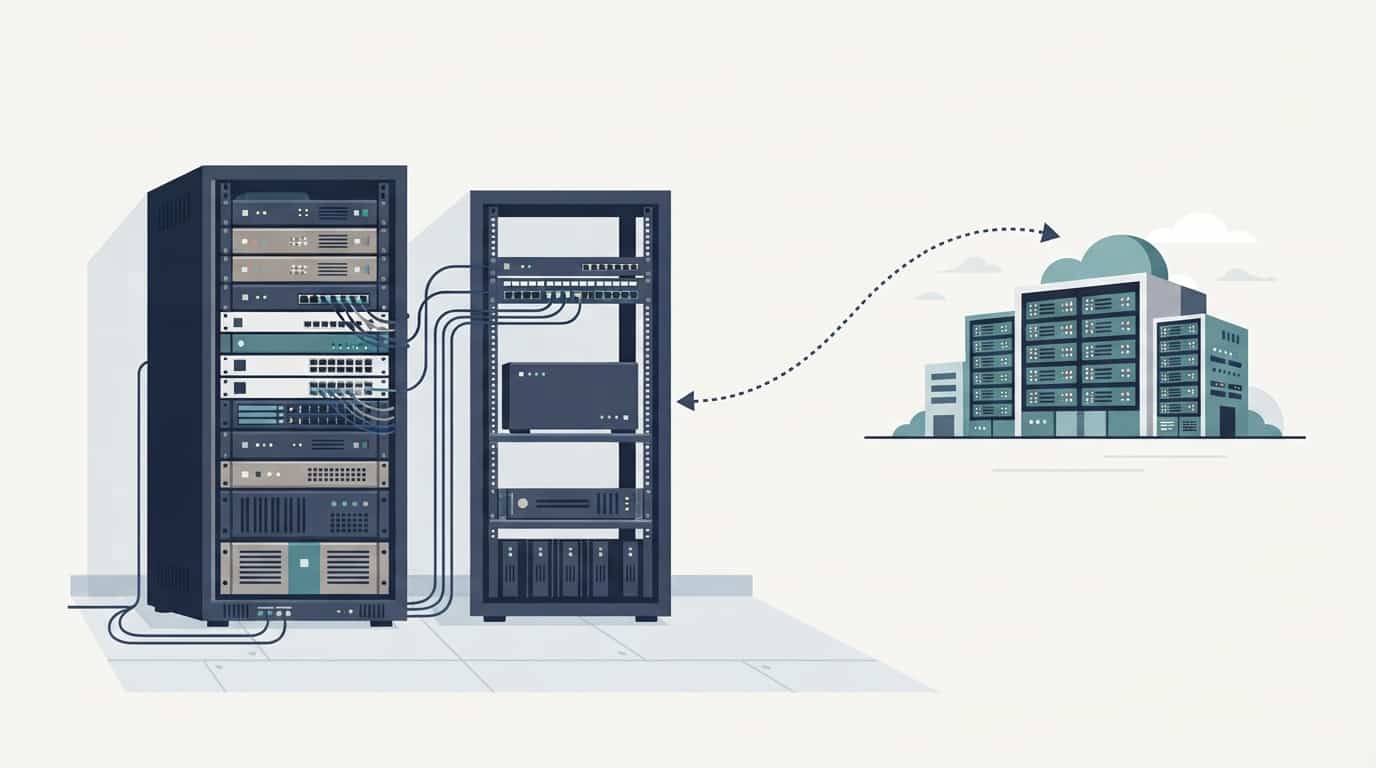
The local copy gives you speed: restoring from an appliance in the same building is far faster than downloading everything from the cloud. The offsite copy gives you survival: it's the only one left if the building is lost. You need both, and the rule makes sure you have them.
Does Cloud Storage Count Toward the 3-2-1 Backup Rule?
Yes, cloud backup is the most practical way for a small business to meet the "1 offsite" requirement. But there's an important distinction between cloud backup and cloud sync.
- Cloud backup keeps separate, versioned copies of your data. If a file is deleted or encrypted today, you can restore yesterday's version.
- Cloud sync (OneDrive, Dropbox, Google Drive) keeps the same files matched across devices. If a file is deleted or encrypted on one device, that change syncs everywhere.
Sync tools do keep some recycle bin and version history, which helps with small mistakes. But they aren't designed to be your recovery plan after a major incident, so they shouldn't count as one of your three copies.
The same goes for Microsoft 365 data itself. Microsoft keeps the service running, but recovering deleted or encrypted email and files beyond the built-in retention windows is your responsibility. If your business lives in Microsoft 365, apply the 3-2-1 backup rule there too, with a dedicated Microsoft 365 backup that stores copies outside your Microsoft account.
Is the 3-2-1 Backup Rule Outdated? Meet 3-2-1-1-0
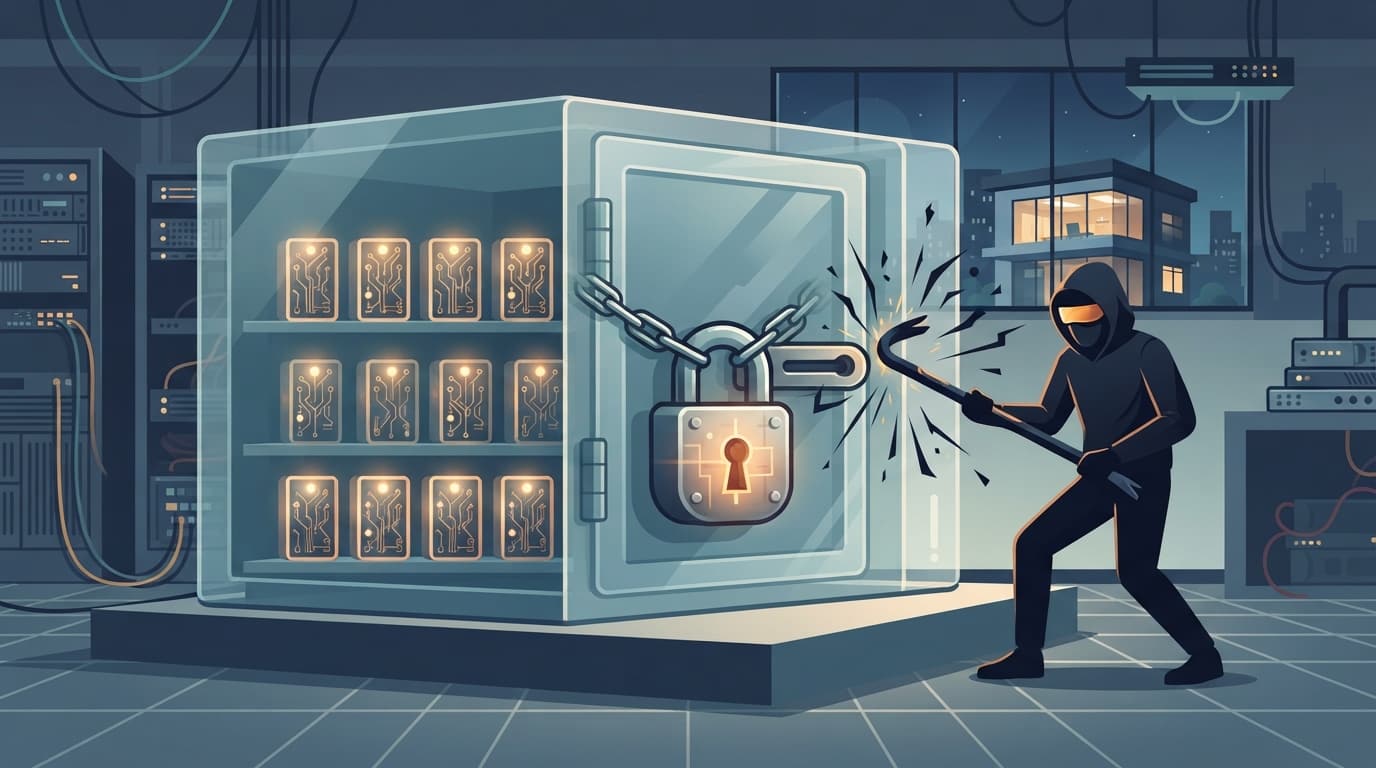
You'll see articles arguing the 3-2-1 backup rule is outdated. The fairer view is that it's still the right foundation, but it was created before ransomware became a business model. Modern attackers deliberately hunt for backups and delete or encrypt them before locking your files. A backup that's always connected to your network can be destroyed in the same attack.
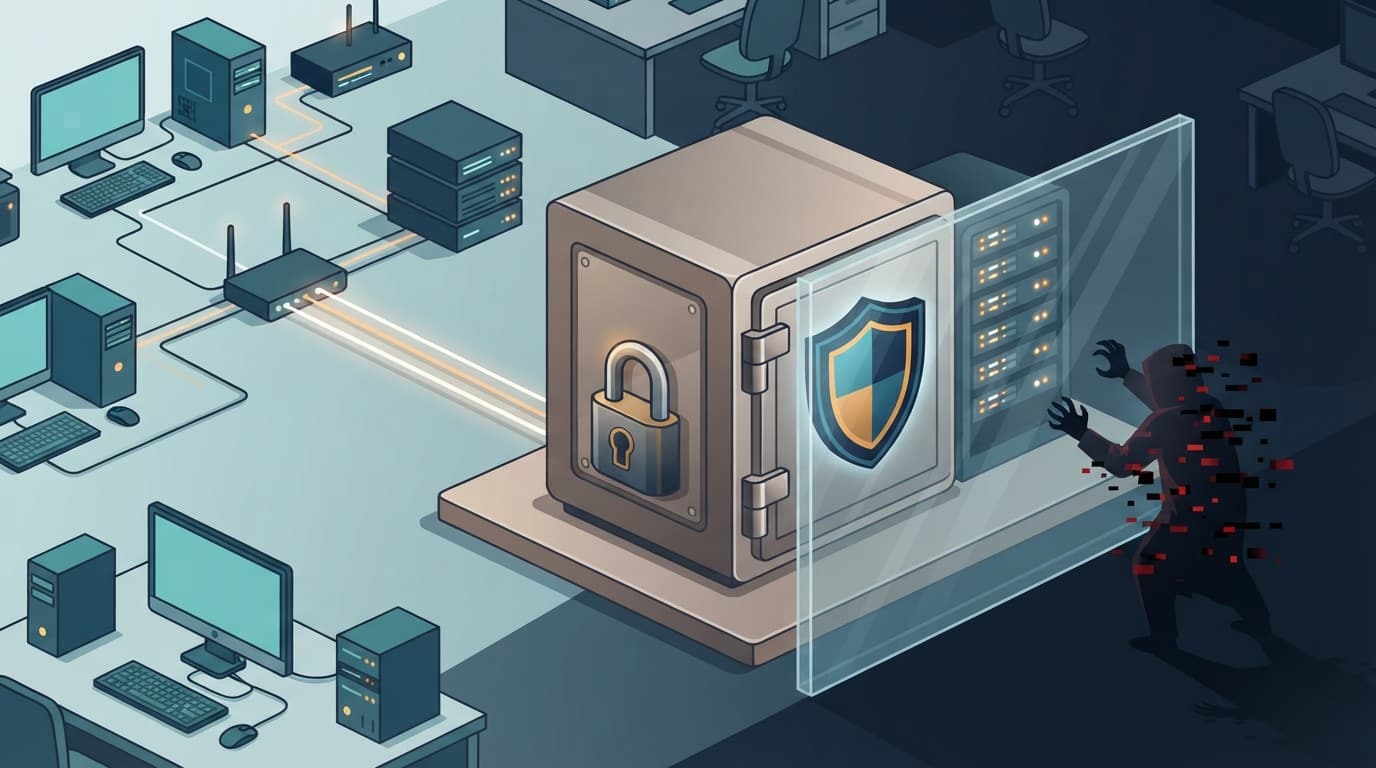
That's why many backup vendors and IT providers now recommend an extended version, often called 3-2-1-1-0:
- 3 copies of your data
- 2 different types of storage
- 1 copy offsite
- 1 copy that's immutable (can't be changed or deleted for a set period) or offline (air-gapped from the network)
- 0 errors, confirmed by regular restore testing
For most small businesses, the extra "1" comes from immutable cloud storage, which locks backup copies so nobody, including an attacker with stolen admin passwords, can delete them early. The "0" comes from testing: actually restoring files and servers on a schedule to prove the backups work. Our guide on how to test your disaster recovery plan covers how to do that.
What the 3-2-1 Backup Rule Looks Like for a Small Business
The right setup depends on how your business works. Here are three common examples.
A 5-person office that works mostly in the cloud
- Copy 1: working files in Microsoft 365 (SharePoint, OneDrive, and Exchange email).
- Copy 2: a dedicated Microsoft 365 backup service that stores versioned copies outside the Microsoft account.
- Copy 3: a second copy kept by the backup service in a separate region, or an export to a different cloud provider, with immutability turned on.
- Offsite: automatic, since every copy lives outside the office.
A 25-person office with an on-site server
- Copy 1: the server running the accounting system, file shares, and user logins.
- Copy 2: image-based backups every hour to a local backup appliance, which can also run a copy of the server if it fails.
- Copy 3: the appliance replicates nightly to immutable cloud storage.
- Plus: a separate Microsoft 365 backup for email and cloud files.
A dental or medical practice with patient data
- The same server setup as above, with backups encrypted both in transit and at rest.
- A cloud backup provider willing to sign a Business Associate Agreement (BAA), as HIPAA requires for vendors that store patient data.
- Documented restore tests, which help show auditors that your backup plan actually works.
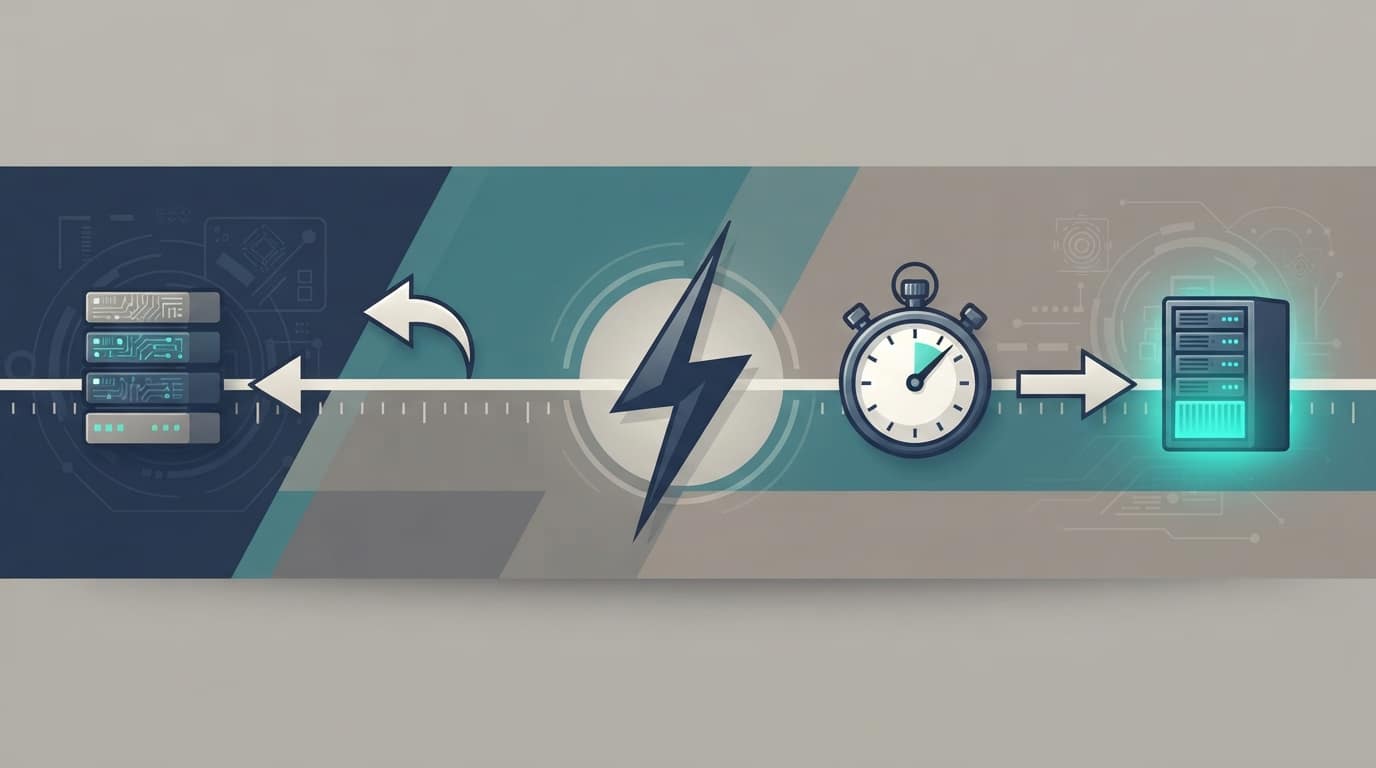
In each case, the 3-2-1 backup rule is met, and the business has a fast local recovery option plus a copy that survives a site-wide disaster. How fast you recover and how much data you could lose depends on how often backups run. Our post on RTO and RPO explains how to set those recovery goals.
This short video from ExplainingComputers gives a clear, plain-English walkthrough of the rule:
How Often to Back Up and How Long to Keep Backups
The 3-2-1 backup rule tells you where to keep copies. It doesn't tell you how often to make them or how long to keep them, and both matter just as much.
How often: back up as often as you can afford to lose data. If losing a full day of invoices, appointments, or client work would hurt, nightly backups aren't enough for that system. Many small businesses run hourly backups for their main server and line-of-business software, with daily backups for less active data.
How long to keep them: retention is where many backup plans quietly fail. Ransomware and other attacks often go undetected in a network for days or weeks. If you only keep a week of backups, every copy you have may already contain the problem. A common, practical retention schedule looks like this:
- Hourly or daily backups kept for 2 to 4 weeks, for quick recovery from recent mistakes.
- Weekly backups kept for 2 to 3 months.
- Monthly backups kept for a year or more, longer if regulations or contracts require it.
Industries with record-keeping rules, such as healthcare, legal, and financial services, may need to keep certain data for years. Your backup retention should match those obligations, and your IT provider should be able to show you exactly how far back you can restore.
Backup Setups That Look Like 3-2-1 but Aren't
Many small businesses believe they follow the 3-2-1 backup rule when they really don't. These are the gaps we see most often:
- The USB drive that never leaves the server. A backup drive permanently plugged into the server is on site, connected to the network, and an easy target for ransomware. It counts as one copy, but not as offsite or protected.
- The NAS in the same closet as the server. Two kinds of storage, yes, but both sit in the same room. One fire, flood, or theft takes both.
- OneDrive or Dropbox as "the backup." As covered above, sync spreads deletions and encryption rather than protecting against them.
- Cloud backups protected by the same admin password. If an attacker steals the password that manages both your servers and your backups, they can delete everything. Backup consoles need separate credentials and multi-factor authentication.
- The backup nobody has checked in a year. Backup jobs fail silently more often than most people expect. A daily "success" email doesn't prove a full restore works.
- The laptops nobody backs up. If staff save work locally instead of to the server or cloud, those files sit outside your backup plan entirely.
Our post on whether your backups are truly safe covers more of the ways backups fail when you need them.
How to Check Your Business Against the 3-2-1 Backup Rule

You can run a quick self-check in about 15 minutes. Ask your IT provider, or whoever manages your backups, these questions:
- How many copies of our data exist, and where is each one? You should be able to name at least three.
- Are at least two of those copies on different types of storage?
- Is at least one copy outside our building?
- Is at least one copy immutable or offline, so ransomware can't delete it?
- Is our Microsoft 365 or Google Workspace data backed up separately?
- When did we last restore a full server or a large set of files, and how long did it take?
- Who gets alerted when a backup job fails, and how quickly is it fixed?
If any answer is "I'm not sure," that's your next step. None of these gaps is expensive to close compared to the cost of losing your data.
How TechWorks Helps You Follow the 3-2-1 Backup Rule
TechWorks designs, monitors, and tests backups for Southern California businesses so you never have to wonder whether they'll work. Our data backup and disaster recovery services are built around the 3-2-1-1-0 approach:
- Local backup appliances for fast recovery, including running a failed server from backup while it's repaired.
- Immutable offsite cloud copies that ransomware and stolen passwords can't delete.
- Microsoft 365 backup for email, OneDrive, SharePoint, and Teams.
- Managed workstation backups for the files that live on laptops and desktops.
- Daily monitoring of every backup job, with failures fixed the same day.
- Scheduled restore testing with results you can show auditors and insurers.
If you're not sure your business meets the 3-2-1 backup rule today, let's find out before you need to restore. Contact TechWorks to schedule a backup review, and we'll show you exactly where your data is protected and where it isn't.
FAQs
What is the 321 rule in backup?
The 3-2-1 rule means keeping three copies of your data, on two different types of storage, with one copy stored offsite. It ensures no single event, such as a hardware failure, fire, or theft, can destroy all of your copies at once.
Is the 3-2-1 backup rule outdated?
No, but it needs an update for ransomware. Many IT providers now recommend the 3-2-1-1-0 approach, which adds one immutable or offline copy that attackers can't delete and requires regular restore testing to confirm zero errors.
Does OneDrive count as a backup?
Not on its own. OneDrive is a sync tool, so deleted or ransomware-encrypted files sync across devices. It includes some recycle bin and version history, but a dedicated Microsoft 365 backup that stores copies outside your Microsoft account is needed to meet the 3-2-1 rule.
How often should a small business back up its data?
As often as you can afford to lose data. Many small businesses back up their main server and line-of-business software every hour, with daily backups for less active data. Keep backups long enough to recover from problems that go unnoticed, typically weeks of daily backups plus monthly copies kept for a year or more.
What is the 3-2-1-1-0 backup rule?
It extends the 3-2-1 rule with two additions: one copy that is immutable or offline so ransomware can't alter or delete it, and zero errors, confirmed by regularly testing that your backups actually restore.