
Table of Contents
- What Are RTO and RPO?
- RTO vs RPO: Key Differences
- Why RTO and RPO Matter for a Small Business
- What Your Current Backups Probably Deliver
- How to Set RTO and RPO for Your Small Business
- Example RTO and RPO Targets for Small Businesses
- How RTO and RPO Play Out in Real Scenarios
- Balancing Recovery Goals Against Cost
- Common RTO and RPO Mistakes to Avoid
- How TechWorks Helps You Meet Your RTO and RPO
When a server fails, ransomware hits, or a fire takes out the office, two questions decide how bad the day gets: how long can your business be down, and how much data can you afford to lose? Those answers are your RTO and RPO. Most small businesses have never written them down, which means they find out the real numbers in the middle of an emergency.
This guide explains what RTO and RPO mean in plain terms, how they differ, what your current backups probably deliver, and a simple process for setting recovery goals that fit your business and your budget.
Key Takeaways
- RTO and RPO are the two numbers that define your recovery goals: RTO is how long you can be down, and RPO is how much data you can afford to lose.
- RTO looks forward from the moment of a disruption. RPO looks backward to your last good backup.
- Different systems deserve different targets. Your practice management or accounting software usually needs faster recovery than an archive of old files.
- A nightly backup to a single drive typically means losing up to a day of work and waiting hours or days to recover.
- Targets mean nothing until you test them. A recovery test shows what your backups can actually deliver.
What Are RTO and RPO?
RTO and RPO are the two core measurements behind every backup and disaster recovery plan. Both are expressed in units of time, which is part of why people mix them up.

Recovery Time Objective (RTO)
RTO is the maximum amount of time a system can be down before the impact on your business becomes unacceptable. If your RTO for email is four hours, you need a way to restore email within four hours of an outage. RTO answers the question: How fast do we need to be back up and running?
Recovery Point Objective (RPO)
RPO is the maximum amount of data, measured in time, that you can afford to lose. If your RPO for your accounting system is one hour, you need backups at least every hour, so you never lose more than an hour of entries. RPO answers the question: How far back can we afford to go?
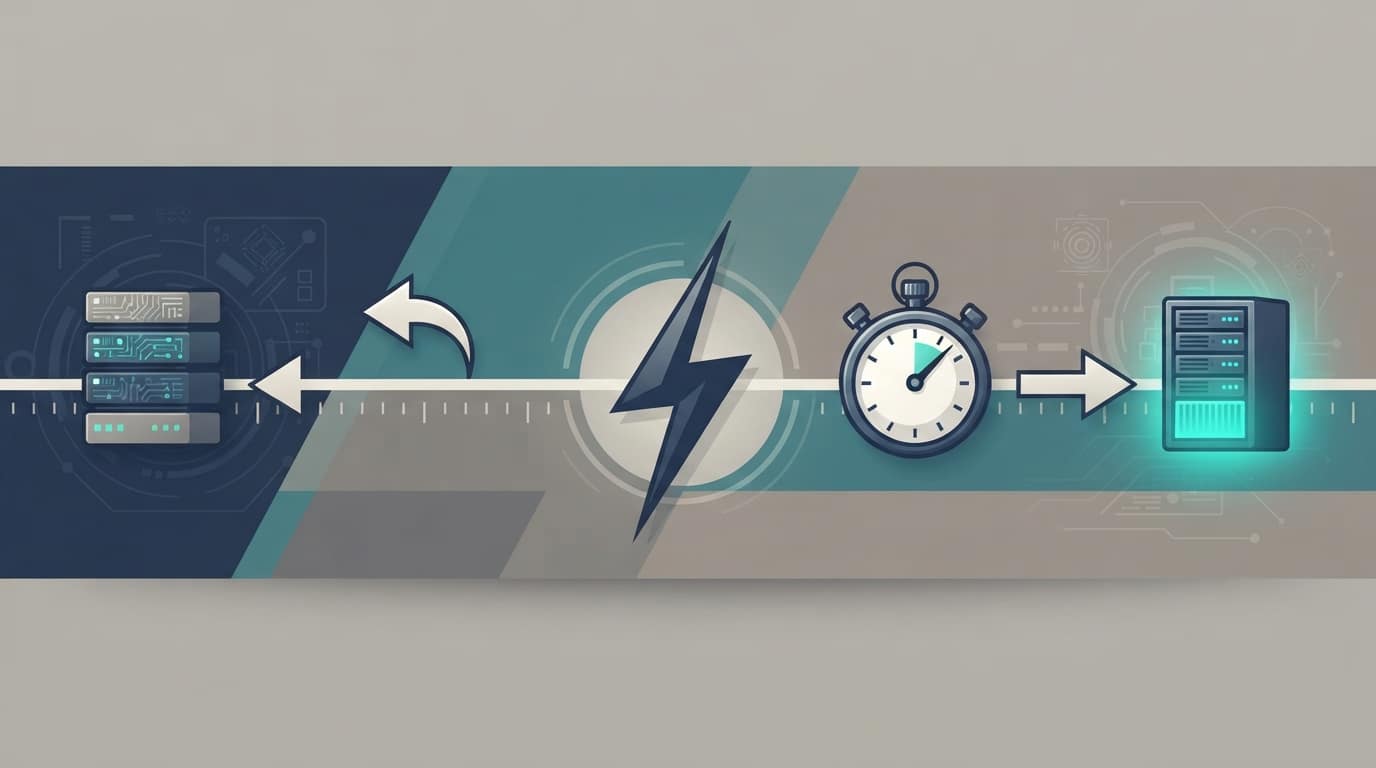
A simple way to remember the difference: RPO looks backward to your last good backup, and RTO looks forward to when you're working again. Together, your RTO and RPO describe the total damage an outage can do.
RTO vs RPO: Key Differences
Here's how the two measurements compare side by side:
| RTO (Recovery Time Objective) | RPO (Recovery Point Objective) | |
|---|---|---|
| What it measures | Acceptable downtime | Acceptable data loss |
| Direction | Forward from the disruption | Backward from the disruption |
| Question it answers | How fast must we recover? | How much work can we lose? |
| What drives it | Recovery speed: hardware, restore method, failover options | Backup frequency: how often copies are taken |
| Example | "Our scheduling system must be back within 2 hours." | "We can lose no more than 1 hour of patient records." |
The two are related but independent. You could back up every 15 minutes (a tight RPO) and still take two days to restore because the backups live on a slow drive and replacement hardware has to be ordered (a long RTO). Good planning sets RTO and RPO separately for each system, then chooses tools that meet both.
Why RTO and RPO Matter for a Small Business
Large enterprises have entire teams for disaster recovery. Small businesses usually have a backup that "runs every night" and an assumption that it will work. That gap is where the real cost shows up.
- Downtime is expensive, even for small teams. Ten employees who can't work, plus customers who can't be served, add up quickly. Many owners have never calculated the hourly cost.
- Lost data has to be recreated, if it can be. A day of invoices, appointments, or client notes can take a week to rebuild, and some of it may be gone for good.
- Ransomware changes the math. Attackers often target backups first. A recovery plan that assumes the backups are intact may fail exactly when you need it.
- Compliance and insurance expect a plan. The HIPAA Security Rule requires covered businesses to maintain a data backup plan and a disaster recovery plan. HIPAA doesn't set specific RTO and RPO numbers, but documented recovery goals are the clearest way to show your plan is real. Cyber insurers increasingly ask similar questions.
RTO and RPO turn "we have backups" into a measurable promise. They are also the foundation of a broader business continuity plan, which covers people, communication, and operations alongside IT.
What Your Current Backups Probably Deliver
Before setting goals, it helps to know where you stand. Here's what common small business backup setups typically deliver for RTO and RPO. Your actual numbers depend on data size, internet speed, and how the system is configured.
| Backup setup | Typical RPO | Typical RTO |
|---|---|---|
| Nightly backup to an external USB drive | Up to 24 hours | Hours to days, longer if the server itself must be replaced |
| Nightly backup to a network storage device (NAS) on site | Up to 24 hours | Several hours to a day, but lost too if the office is damaged |
| Cloud-only backup with no local copy | Hours, depending on schedule | Can take days to download a full server over a business internet connection |
| Image-based backups every hour to a local backup appliance, replicated to the cloud | About 1 hour | Often under a few hours, because the appliance can run a copy of the failed server while it's repaired |
| Cloud file sync (OneDrive, SharePoint, Google Drive) | Minutes for synced files | Fast for individual files, but sync is not a backup. Deletions and ransomware can sync too. |
If your setup lives in the first two rows, your realistic RTO and RPO may be far looser than you'd accept if you thought about it. That's normal, and it's fixable. Our post on whether your backups are truly safe covers the most common backup failures.
How to Set RTO and RPO for Your Small Business
You don't need a consultant's spreadsheet to set useful targets. This six-step process works for most businesses with 5 to 100 employees.
Step 1: List the systems your business runs on
Write down everything people use to do their jobs: your line-of-business application (practice management, accounting, CRM, design software), email, file shares, phones, your website, and payment systems. Include where each one lives: on your own server, in Microsoft 365, or with a cloud vendor.
Step 2: Sort systems into tiers
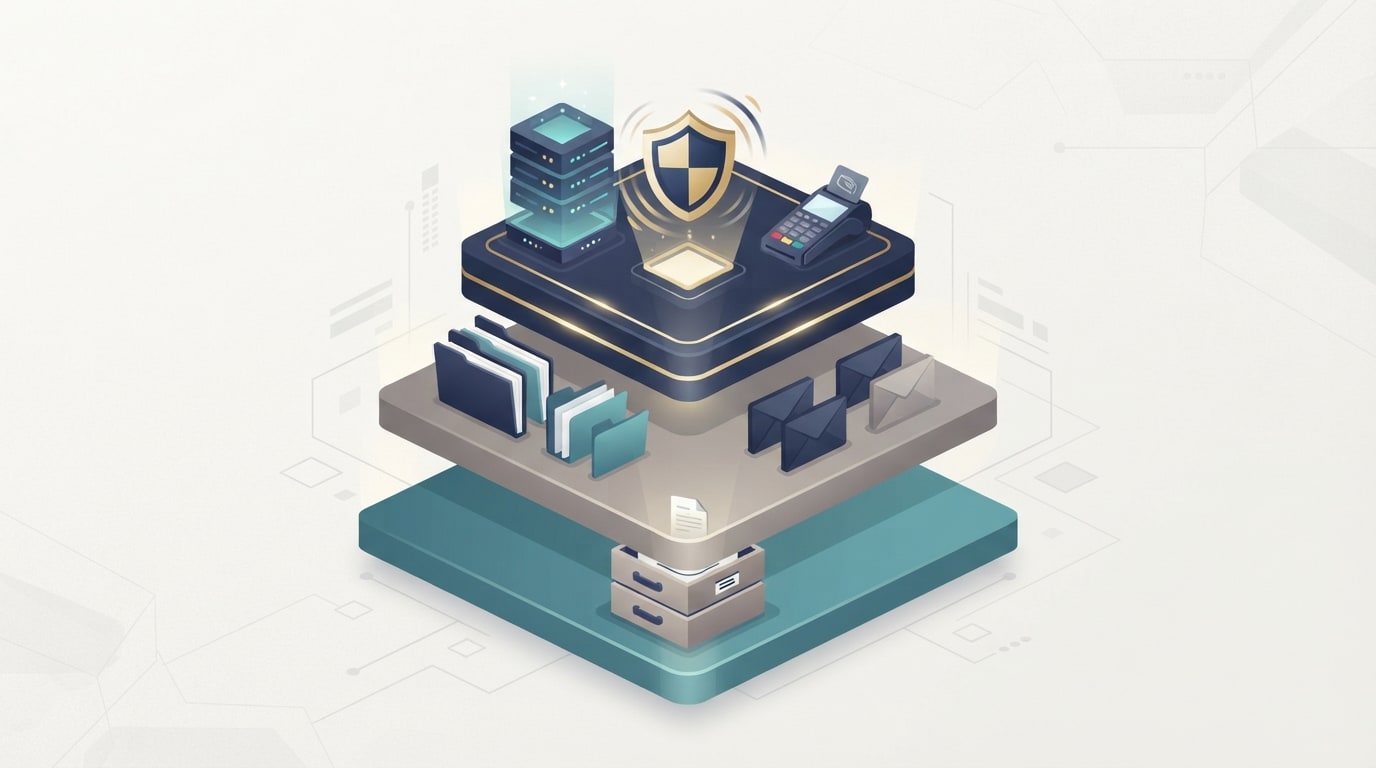
Group each system by how quickly the business feels its absence:
- Tier 1 (critical): work stops without it. Examples: practice management software, the server that runs your accounting system, point of sale.
- Tier 2 (important): work slows down but continues. Examples: shared files, internal email, scheduling.
- Tier 3 (can wait): nobody notices for a few days. Examples: archived projects, old records, the marketing image library.
Step 3: Estimate what an hour of downtime costs
A rough number is enough. Add the hourly cost of employees who can't work to the revenue you'd lose or delay, then add anything else that applies, such as overtime to catch up or penalties for missed deadlines.
Example: A 15-person accounting firm averages a fully loaded staff cost of about $45 per hour per person. If the server holding client files goes down during tax season, that's roughly $675 an hour in idle staff time alone, before counting missed client deadlines. An eight-hour outage costs over $5,000. A two-day outage costs more than a year of good backup protection.
Step 4: Decide how much data each tier can lose
Ask the people who use each system: "If we lost everything since this morning, what would it take to rebuild?" For a busy accounting system, an hour of lost entries may be manageable. A full day may not be. Their answers set your RPO for each tier.
Step 5: Set RTO and RPO for each tier, then match the technology
Now set RTO and RPO for each tier, and work with your IT provider to choose backup and recovery tools that can actually meet them. Tighter targets need more frequent backups, faster restore methods, and often a local backup appliance plus a cloud copy.
Step 6: Test, measure, and adjust
Run a real restore and time it. If your target RTO is four hours and the test takes nine, you've learned something valuable without a real disaster. Our step-by-step guide on how to test your disaster recovery plan walks through the process.
This short explainer from TechTarget's Eye on Tech is a helpful two-minute overview to share with your team:
Example RTO and RPO Targets for Small Businesses
Every business is different, but these example RTO and RPO targets are a reasonable starting point for a typical small office:
| System | Tier | Example RTO | Example RPO |
|---|---|---|---|
| Line-of-business application (practice management, accounting, ERP) | 1 | 2 to 4 hours | 1 hour or less |
| Point of sale or payment processing | 1 | 1 to 2 hours | Minutes |
| Email (Microsoft 365 or Google Workspace) | 1 to 2 | 4 hours | 1 to 4 hours |
| Shared files and documents | 2 | 8 hours | 4 hours |
| Company website | 2 | 24 hours | 24 hours |
| Archives and old project files | 3 | 3 to 5 days | 24 hours to 1 week |
Notice that RTO and RPO don't always move together. A website might tolerate a day of downtime but change so rarely that a weekly backup is fine, while a payment system needs both to be tight.
How RTO and RPO Play Out in Real Scenarios
Recovery goals only matter when something goes wrong. Here's how the same small business might fare in five common situations, depending on how its backups are set up.
- A server's hard drive fails on a Tuesday morning. With only a nightly USB backup, everything since last night is gone, and the office waits for a replacement drive or server. With an hourly backup appliance, staff lose at most an hour of work, and the appliance can run a copy of the server within a few hours while repairs happen.
- Ransomware encrypts the file server. If backups sit on a drive the server can reach, they may be encrypted too, and your real RPO becomes "whenever the last offline copy was made." Immutable or offsite backups keep a clean restore point available.
- An employee deletes a shared folder by mistake. This is the most common recovery request. Versioned backups or a Microsoft 365 backup make it a five-minute fix. Without them, it can mean recreating weeks of work.
- A fire, flood, or break-in takes out the office. On-site backups are lost along with the server. Only a cloud copy protects you here, and your RTO depends on how quickly systems can be restored somewhere else.
- A cloud service has an outage. When Microsoft 365 or a vendor's platform goes down, your RTO depends on the provider. The practical plan is knowing how your team keeps working in the meantime, such as phone procedures and offline copies of key documents.
Walking through scenarios like these with your team is one of the fastest ways to discover whether your RTO and RPO goals hold up, and which gaps to fix first.
Balancing Recovery Goals Against Cost
Tighter RTO and RPO targets cost more. Backing up every 15 minutes instead of nightly takes more storage and bandwidth. Recovering in one hour instead of two days usually requires a local backup appliance that can temporarily run your server, plus a cloud copy in case the office itself is affected.
The goal isn't the tightest possible numbers for everything. It's spending where downtime hurts most:
- Spend on Tier 1. Fast recovery for the systems that stop revenue pays for itself the first time you need it.
- Be practical with Tier 2. Hourly or few-hours backups with same-day recovery are usually enough.
- Keep Tier 3 simple. Daily or weekly backups to low-cost storage are fine for data nobody needs urgently.
- Always keep an offline or immutable copy. Backups that ransomware can't alter or delete protect every tier.
Common RTO and RPO Mistakes to Avoid
- Assuming Microsoft 365 backs up everything. Microsoft keeps the service running, but recovering deleted or encrypted data beyond its built-in retention windows is your responsibility. Many businesses add a dedicated backup for Microsoft 365.
- Treating file sync as a backup. OneDrive and similar tools sync deletions and encrypted files just as fast as good ones.
- Forgetting hardware lead time. If your only recovery plan is restoring to a new server, your real RTO includes how long it takes to buy, ship, and set one up.
- Never testing. Backups that report success can still fail to restore. Test at least quarterly for critical systems.
- Setting goals once and forgetting them. Revisit RTO and RPO whenever you add a major system, move to the cloud, or grow significantly.
How TechWorks Helps You Meet Your RTO and RPO

TechWorks helps Southern California businesses turn recovery goals into recovery plans that actually work. We start with a short conversation about which systems matter most and what an outage would cost, then design backups to match.
- Recovery goal planning: we help you set RTO and RPO for each system in plain business terms.
- The right backup mix: local backup appliances for fast recovery, cloud copies for disasters that affect the whole office, and immutable storage to protect against ransomware, through our data backup and disaster recovery services.
- Daily monitoring: we watch every backup job so failures get fixed the same day, not discovered during an emergency.
- Regular recovery testing: we restore real data on a schedule and report the actual recovery times against your targets.
- Server protection: our Server Care & Recovery plan covers monitoring, patching, and backup and recovery for the systems your business runs on.
If you don't know your RTO and RPO today, you're not alone, but it's worth finding out before an outage forces the question. Contact TechWorks to schedule a backup and recovery review, and we'll show you exactly how long recovery would take and how much data you'd lose today.
FAQs
What is a good RTO and RPO for a small business?
It depends on the system. For critical systems like practice management or accounting software, many small businesses aim for an RTO of 2 to 4 hours and an RPO of 1 hour or less. Less critical data, like archives, can often tolerate an RTO of several days and an RPO of a day or more. Start with your most important systems and set targets based on what an hour of downtime really costs.
Is RTO or RPO more important?
Neither is more important on its own. RTO protects you from lost time, and RPO protects you from lost work. A business that recovers quickly but loses a full day of data, or keeps all its data but stays down for a week, is still badly hurt. Set both for every critical system.
How do you calculate RTO and RPO?
For RTO, estimate the hourly cost of downtime for each system and decide how long the business can absorb it. For RPO, ask how much work could be recreated if it were lost, then convert that into time, such as one hour or one day. Then test a real restore to confirm your backups can meet both targets.
What is the difference between RTO and MTTR?
RTO is a target: the maximum downtime you've decided is acceptable. MTTR (mean time to recovery) is a measurement: how long recovery actually takes on average. If your MTTR is longer than your RTO, your recovery setup isn't meeting your goals.
Does Microsoft 365 back up my data?
Microsoft keeps Microsoft 365 running and includes some built-in retention for deleted items, but it isn't a full backup service. Data deleted beyond retention windows, or encrypted by ransomware and synced, may not be recoverable. Many businesses add a dedicated Microsoft 365 backup to meet their RTO and RPO goals.